Diagonal Spotlight Fine Art Portrait Prompt by Prompt Craft
Generate a dramatic chiaroscuro studio portrait draped in wool with an angular beam of light by Prompt Craft.
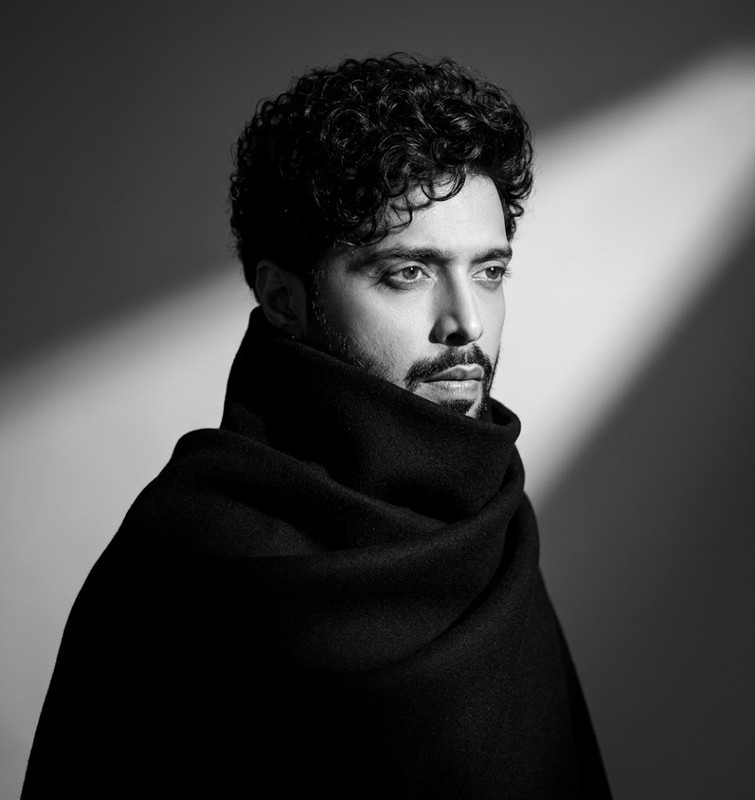
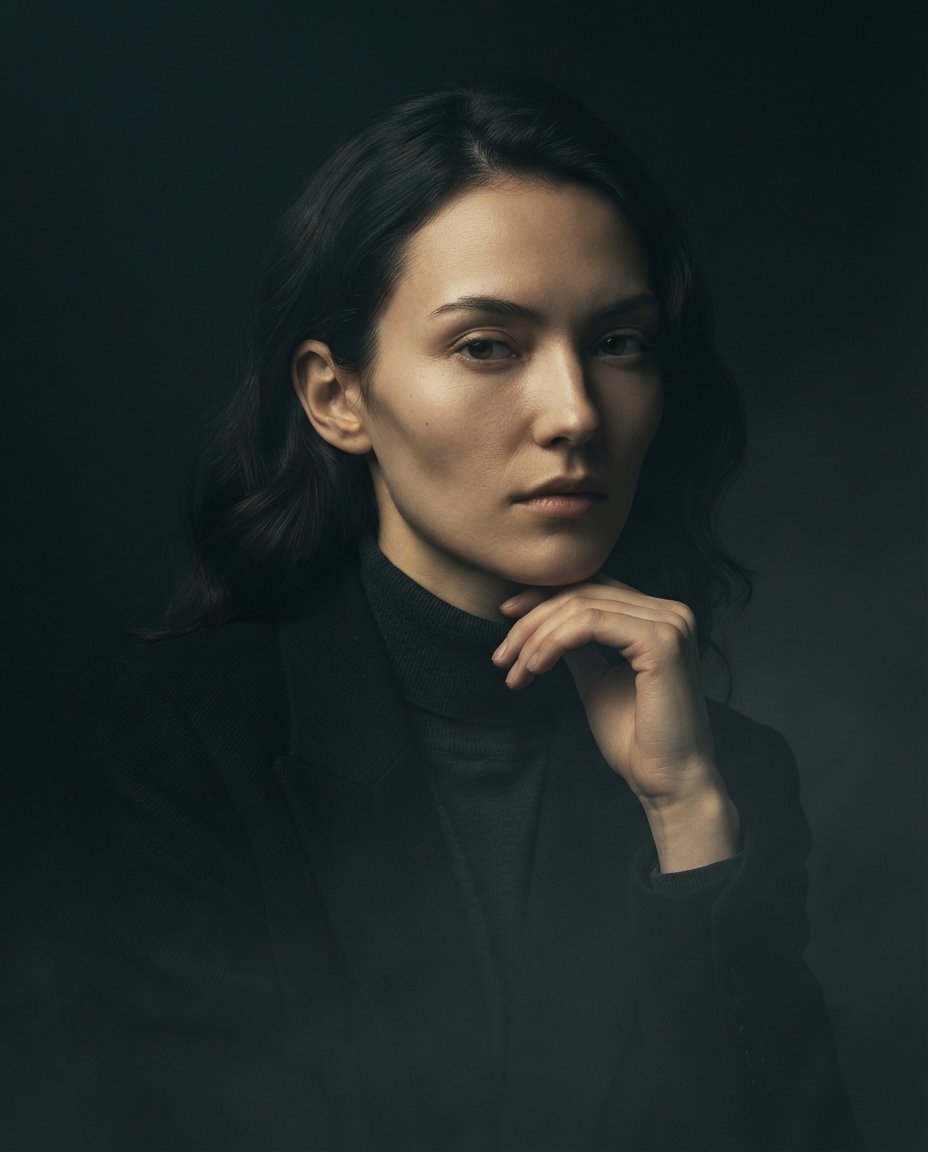
Subject: Use reference image as subjectComposition & FramingMedium portrait shot of Subject positioned centrally, body turned slightly sideways with the head turned toward the right.A strong diagonal shaft of light cuts across the smooth, minimalist studio background behind Subject.Wardrobe & StylingHeavy, structured black wool coat or draped fabric wrapped tightly around Subject's shoulders and neck, concealing the lower jawline and body.Short, naturally curly dark hair styled with casual texture, matching the features from uploaded reference image.Lighting & AtmosphereChiaroscuro high-contrast black-and-white studio lighting.Crisp spotlight illuminating the facial profile and casting a soft, diagonal beam across the dark background.Deep, solid shadows engulfing the garment to create a stark, graphic silhouette.Photography StyleFine art monochrome portrait photography with rich tonal depth, smooth gradients, and sharp focal focus on Subject's eyes and facial features.Special InstructionsPreserve the subject's identity with absolute fidelity to the reference image, maintaining 100% facial and anatomical likeness. Keep all facial features, expressions, age, ethnicity, skin tone, hair, and unique details such as moles, scars, freckles, and natural asymmetry exactly unchanged. Retain the original body proportions, posture, skeletal structure, muscle distribution, and biometric characteristics without any modifications. Do not beautify, stylize, smooth, age, de-age, or replace the face with a generic AI appearance. Ensure pixel-level structural accuracy with the reference image, making it the highest priority while preserving every defining physical characteristic.
Try this prompt in
How to Use This Prompt
Diagonal Spotlight Fine Art Portrait Prompt by Prompt Craft is a ready-to-use AI image prompt designed for creative ai art who want consistent, high-quality results without spending hours on trial and error. Generate a dramatic chiaroscuro studio portrait draped in wool with an angular beam of light by Prompt Craft.
Use this prompt whenever you need polished visuals for creative ai art workflows — typical moments include client work, content production, classroom prep, and rapid iteration on ideas. Copy the full prompt, paste it into your preferred AI tool, and replace any bracketed placeholders with your own specifics (topic, brand, subject, or constraints).
For best results, give the model a clear context line before pasting, keep your replacements concrete (numbers, names, examples), and regenerate 2–3 variations to pick the strongest composition. Pair it with the customization tips below to adapt it to your exact use case.
Example Output
Expect a sharp, well-composed image with clean subject framing, balanced lighting, and Chiaroscuro Studio, Fine Art Portrait details suitable for direct use in social posts, thumbnails, or product mockups.
Medium monochrome portrait of a subject draped in black wool, highlighted by a sharp diagonal light shaft against darkness.
Prompt Details
Customization Tips
- Swap the subject for your own — replace the main noun with your product, character, or scene.
- Change the lighting (golden hour, studio softbox, neon night) to shift the mood.
- Add a specific camera or lens reference (e.g. "shot on 35mm, f/1.8") for a photo feel.
- Lock the aspect ratio to match your platform (9:16 for Reels, 16:9 for YouTube).
- Add or remove a style modifier like "cinematic", "minimalist", or "editorial".
- Specify a color palette in hex or named colors to match your brand.
- Append "no text, no watermark" to keep outputs clean.
- Use negative prompts (e.g. "no blur, no extra fingers") if your model supports them.
Frequently Asked Questions
What is the "Diagonal Spotlight Fine Art Portrait Prompt by Prompt Craft" prompt used for?
Generate a dramatic chiaroscuro studio portrait draped in wool with an angular beam of light by Prompt Craft.
Which AI model works best for Chiaroscuro Studio?
In 2026 testing, Nano Banana Pro (Gemini 3 Image) produces the cleanest results, with Midjourney v7 and Flux.2 Pro close behind. The wording is model-agnostic, so older versions still work.
Is the Diagonal Spotlight Fine Art Portrait Prompt by Prompt Craft prompt free?
It costs nothing here. Copy it, adapt it, ship it — personal or commercial use is fine.
Can I sell or publish images made with this Chiaroscuro Studio prompt?
Commercial use depends on your generator's licence. Nano Banana Pro (Gemini 3 Image) and Midjourney v7 allow it on paid plans; free tiers are often personal-use only.
Why does my result look different from the example?
AI models sample randomly, so two runs of the same prompt rarely match. Generate three, keep the best, and refine that one with a short follow-up.
Reviews(0)
Related prompts