Moody Cinematic Studio Portrait AI Prompts for Creative Portrait
A ready-to-use AI image generation prompt for creating a professional moody cinematic studio portrait in the creative portrait space. Copy, customize the bracketed details, and paste into Midjourney, DALL-E
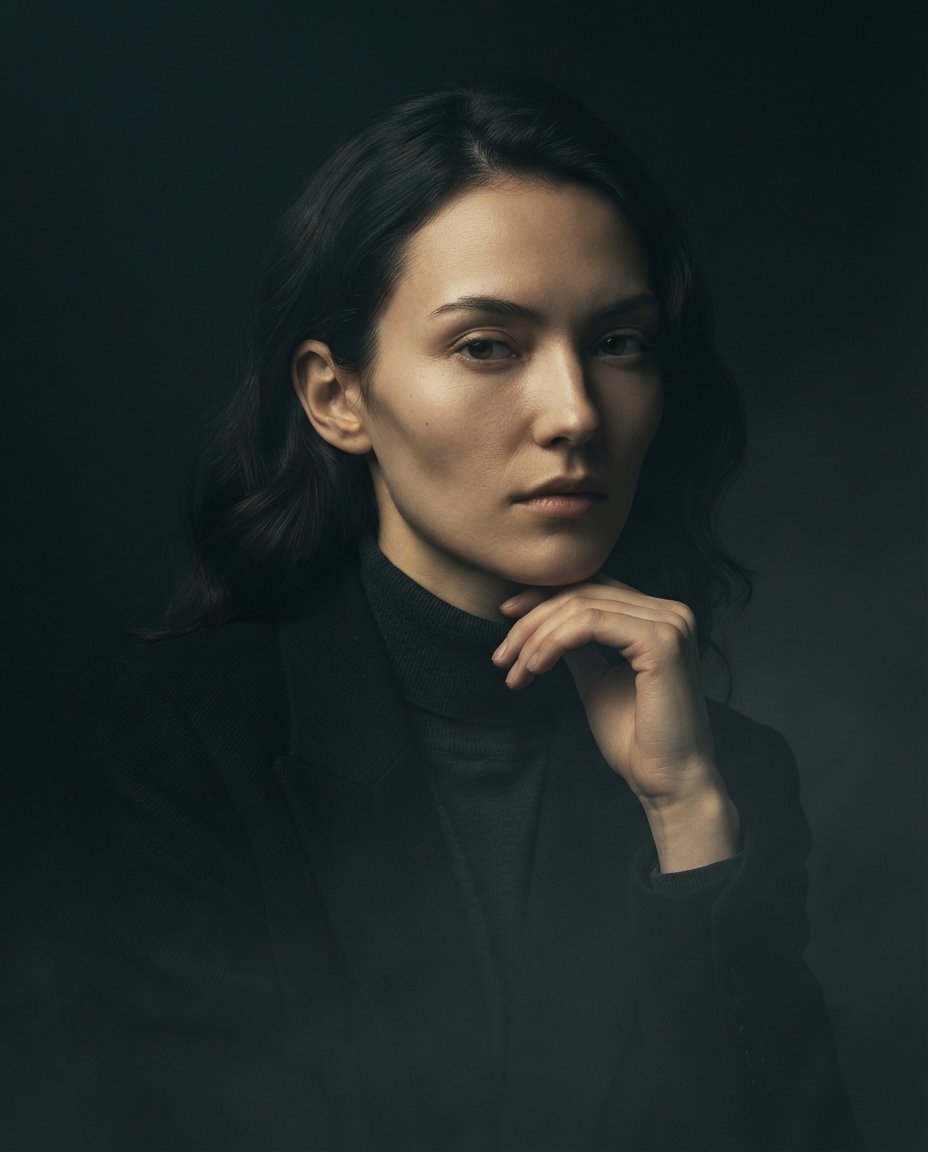
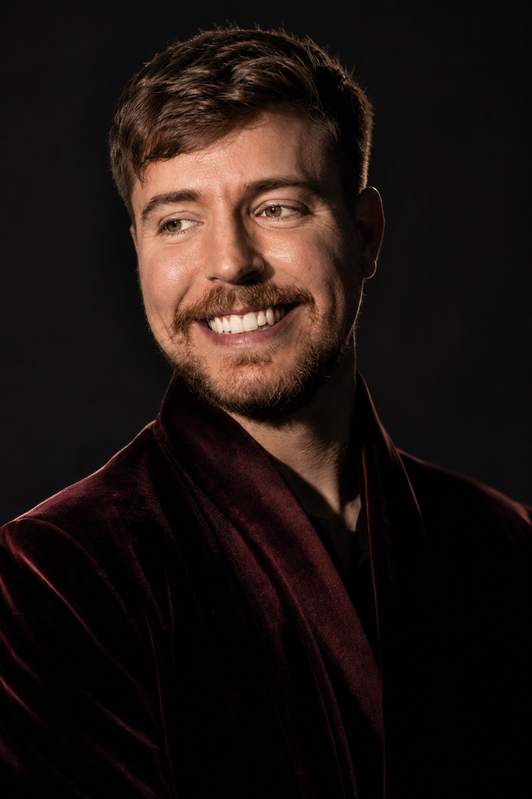
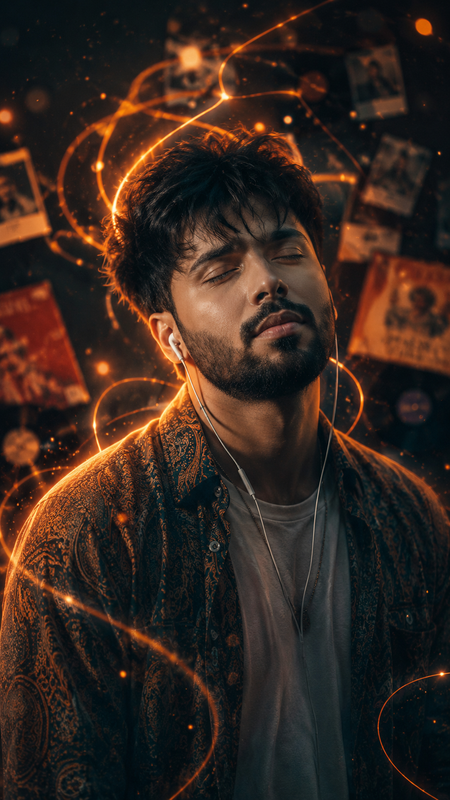
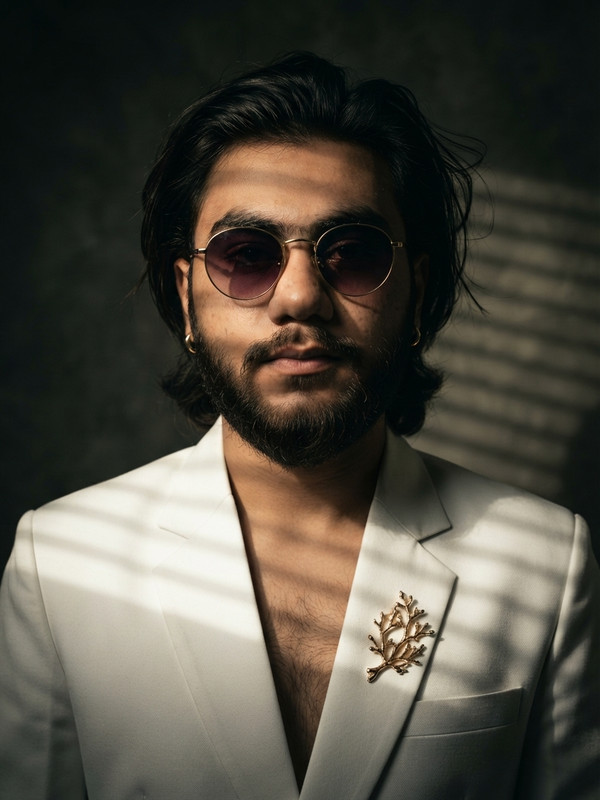
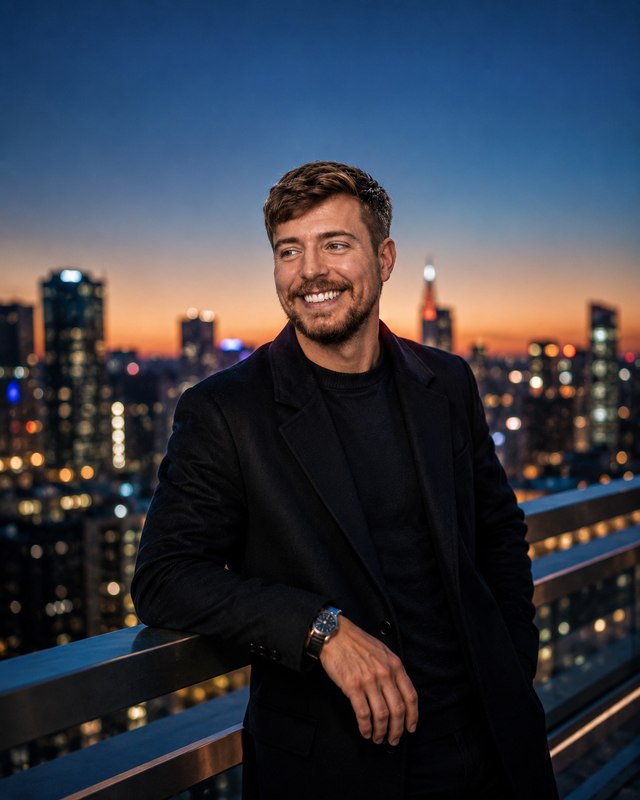
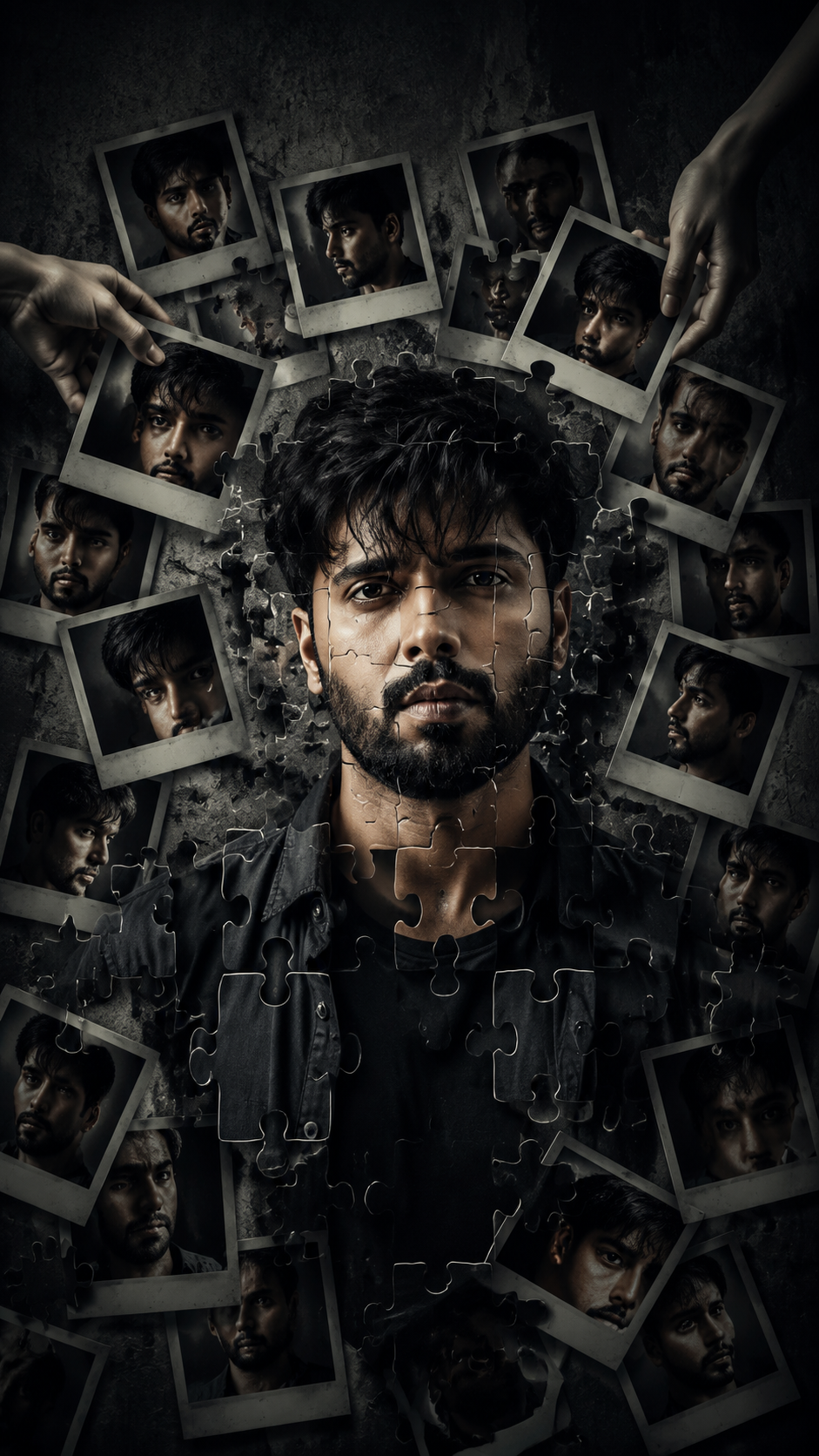
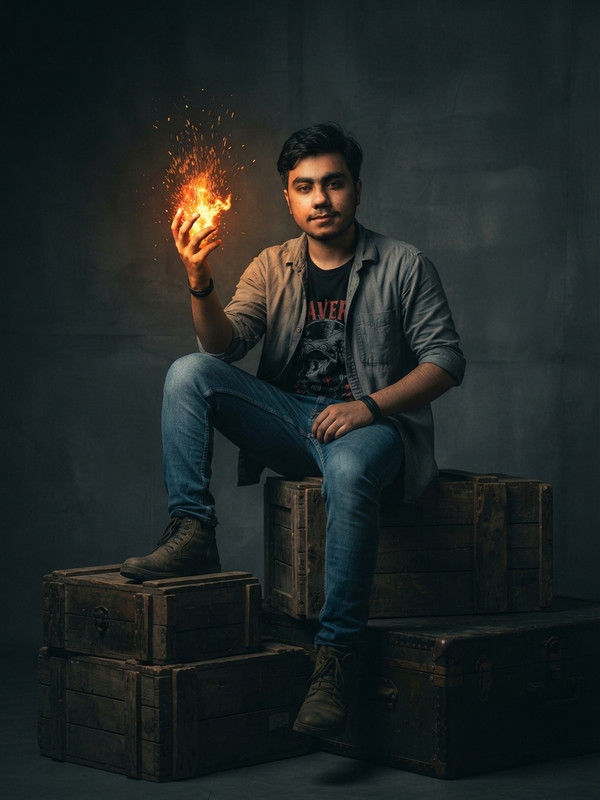
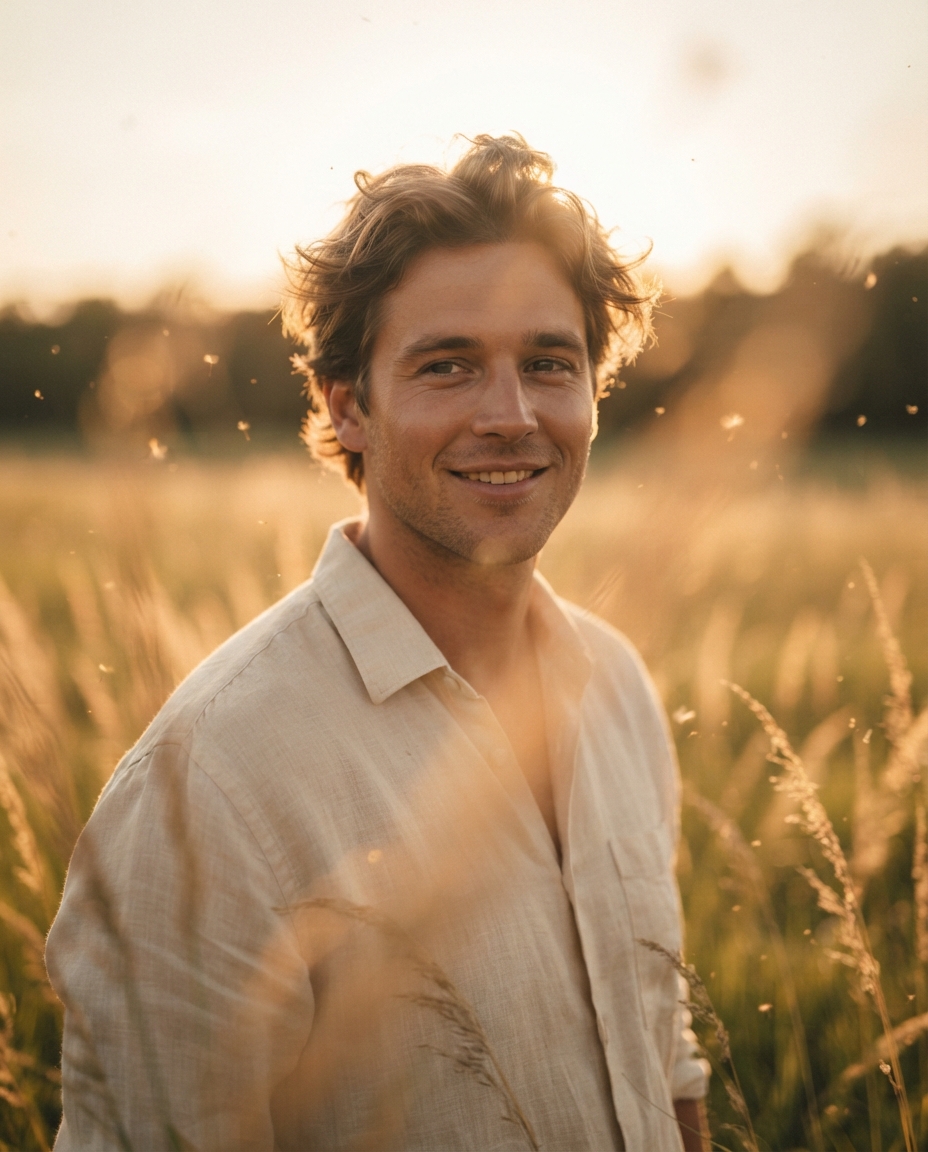
A moody, cinematic studio portrait, vertical 4:5 aspect ratio, featuring [SUBJECT DESCRIPTION, e.g., a young woman with sharp cheekbones and dark hair] positioned slightly off-center against a deep, near-black background with a subtle gradient fading to a muted charcoal gray in the corners. Light the subject with a single, tightly focused key light from a 45-degree angle above and to one side, carving strong Rembrandt-style shadows across the face and creating a small, defined triangle of light on the shadowed cheek, while a faint, low-intensity rim light traces the opposite edge of the jaw, shoulder, and hair to separate the subject cleanly from the dark background. The subject's expression should feel introspective and quietly intense, [EXPRESSION DETAIL, e.g., eyes looking slightly off-camera with a calm, unreadable gaze], with natural, minimally retouched skin texture that preserves realistic pores, subtle fine lines, and true-to-life color rather than an overly smoothed, artificial look. Wardrobe consists of [CLOTHING DESCRIPTION, e.g., a dark turtleneck or structured black blazer], chosen to blend tonally with the shadowed background so the face and hands remain the clear visual anchor of the frame. Add a thin, drifting layer of atmospheric haze or fog low in the frame, catching the key light subtly to create soft volumetric light rays and a sense of cinematic depth without overwhelming the subject. Grade the overall image with desaturated, cool-leaning shadows and warmer, slightly golden highlights on the skin, producing a filmic teal-and-orange contrast reminiscent of a movie still rather than a standard studio headshot. Keep the depth of field shallow, with tack-sharp focus on the eyes and a gentle falloff toward the ears and background, reinforcing intimacy and emotional focus. Avoid any visible studio equipment, harsh catchlights, or flat even lighting; every shadow should feel intentional and sculptural. The final composition should feel like a frame pulled directly from an arthouse film or a high-end editorial fashion story, quiet, dramatic, and emotionally charged, suitable for a personal brand portrait, album cover, or gallery-style print. Aspect ratio 4:5, high resolution, photorealistic rendering.
Try this prompt in
How to Use This Prompt
Moody Cinematic Studio Portrait AI Prompts for Creative Portrait is a ready-to-use AI image prompt designed for creative ai art who want consistent, high-quality results without spending hours on trial and error. A ready-to-use AI image generation prompt for creating a professional moody cinematic studio portrait in the creative portrait space. Copy, customize the bracketed details, and paste into Midjourney, DALL-E
Use this prompt whenever you need polished visuals for creative ai art workflows — typical moments include client work, content production, classroom prep, and rapid iteration on ideas. Copy the full prompt, paste it into your preferred AI tool, and replace any bracketed placeholders with your own specifics (topic, brand, subject, or constraints).
For best results, give the model a clear context line before pasting, keep your replacements concrete (numbers, names, examples), and regenerate 2–3 variations to pick the strongest composition. Pair it with the customization tips below to adapt it to your exact use case.
Example Output
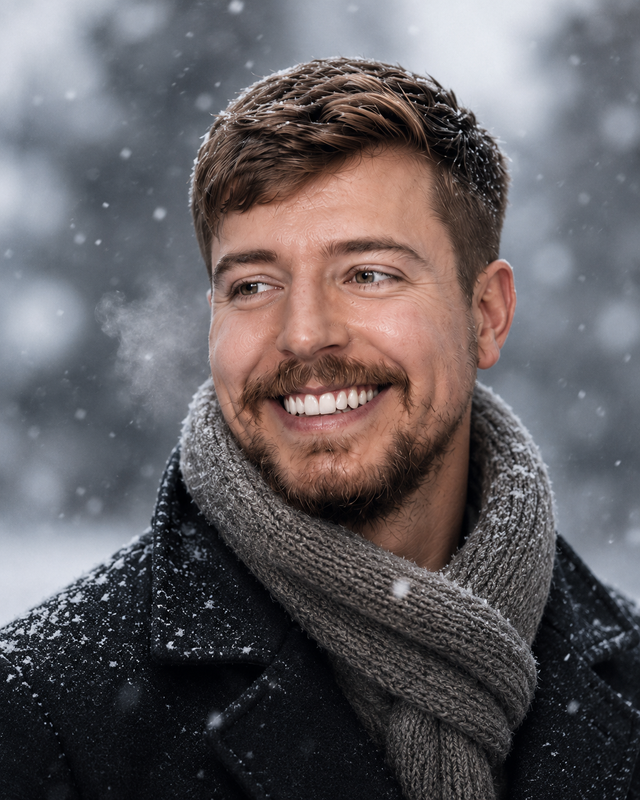
Expect a sharp, well-composed image with clean subject framing, balanced lighting, and ai prompts for creative portrait, moody cinematic studio portrait details suitable for direct use in social posts, thumbnails, or product mockups.
Prompt Details
Customization Tips
- Swap the subject for your own — replace the main noun with your product, character, or scene.
- Change the lighting (golden hour, studio softbox, neon night) to shift the mood.
- Add a specific camera or lens reference (e.g. "shot on 35mm, f/1.8") for a photo feel.
- Lock the aspect ratio to match your platform (9:16 for Reels, 16:9 for YouTube).
- Add or remove a style modifier like "cinematic", "minimalist", or "editorial".
- Specify a color palette in hex or named colors to match your brand.
- Append "no text, no watermark" to keep outputs clean.
- Use negative prompts (e.g. "no blur, no extra fingers") if your model supports them.
Frequently Asked Questions
What is the "Moody Cinematic Studio Portrait AI Prompts for Creative Portrait" prompt used for?
A ready-to-use AI image generation prompt for creating a professional moody cinematic studio portrait in the creative portrait space. Copy, customize the bracketed details, and paste into Midjourney, DALL-E
Which AI model works best for ai prompts for creative portrait?
Run it on Nano Banana Pro (Gemini 3 Image) first. If the result feels flat, try Midjourney v7 or Flux.2 Pro — each interprets ai prompts for creative portrait slightly differently.
Is the Moody Cinematic Studio Portrait AI Prompts for Creative Portrait prompt free?
It costs nothing here. Copy it, adapt it, ship it — personal or commercial use is fine.
Can I sell or publish images made with this ai prompts for creative portrait prompt?
Commercial use depends on your generator's licence. Nano Banana Pro (Gemini 3 Image) and Midjourney v7 allow it on paid plans; free tiers are often personal-use only.
Why does my result look different from the example?
Outputs drift by design. If a run misses, don't rewrite everything — add one clarifying sentence about ai prompts for creative portrait and regenerate.
Reviews(0)
Related prompts