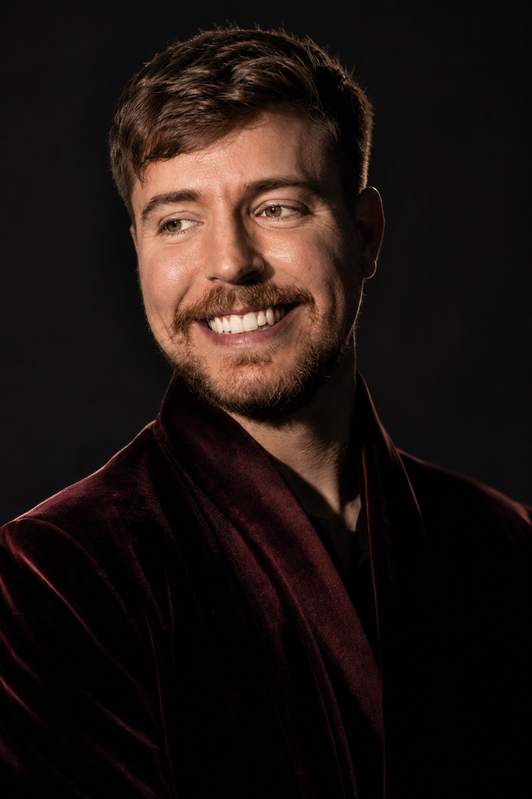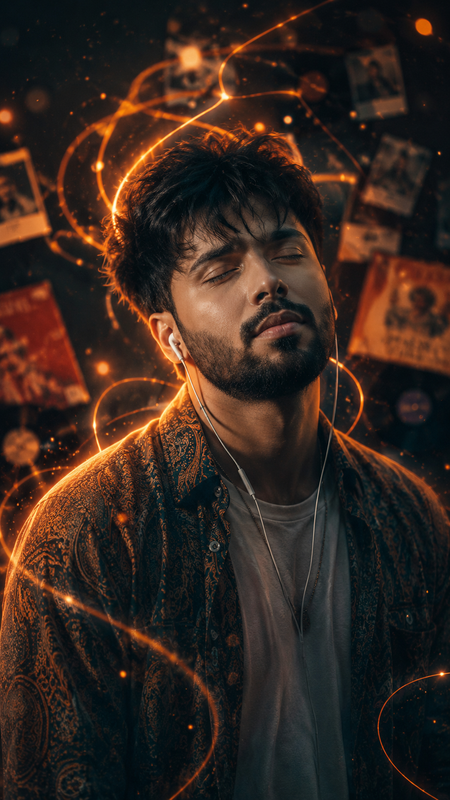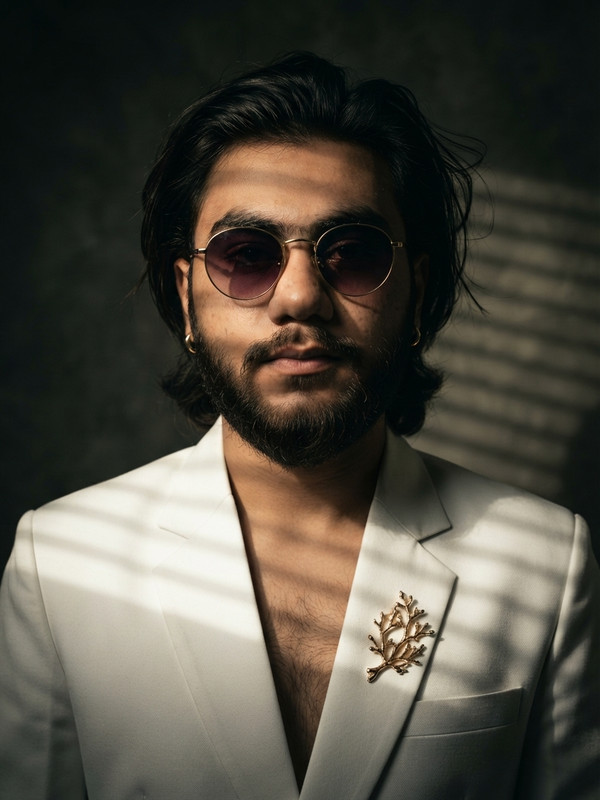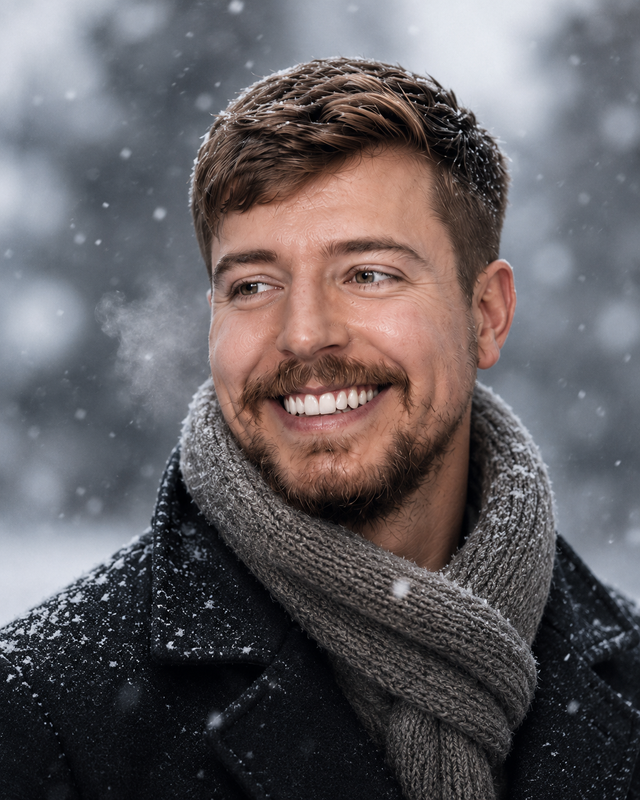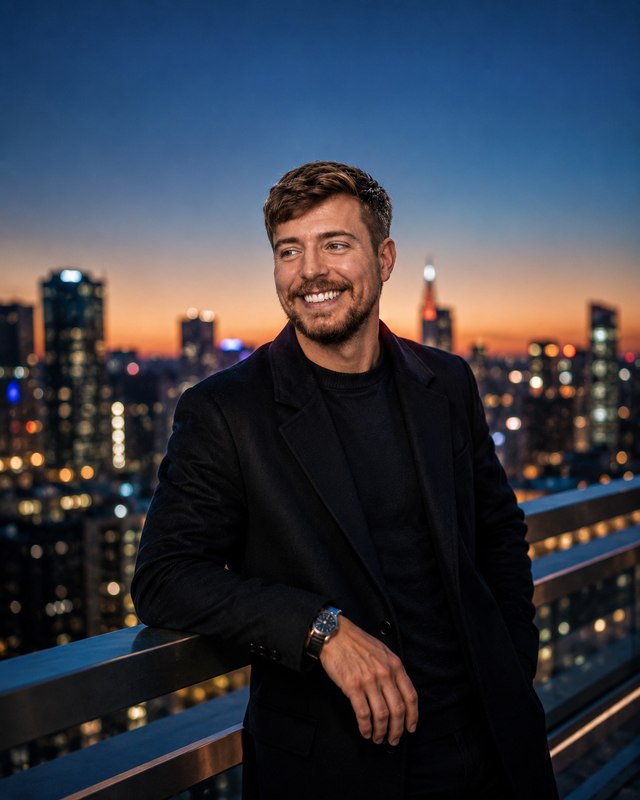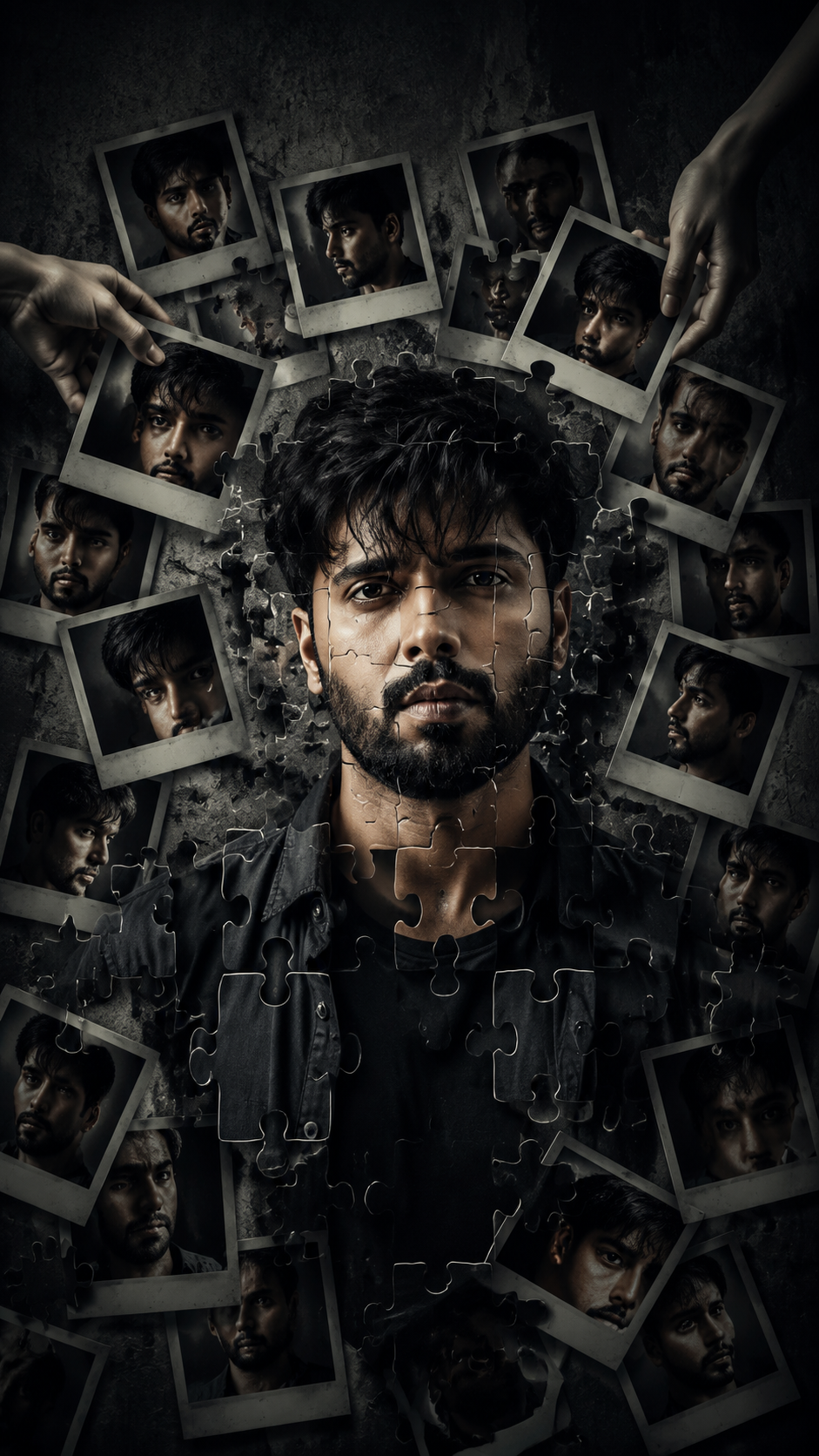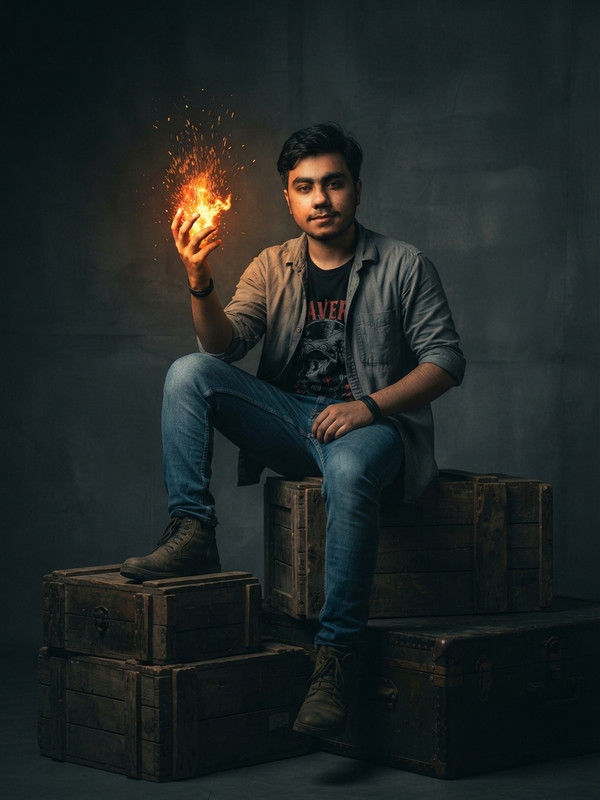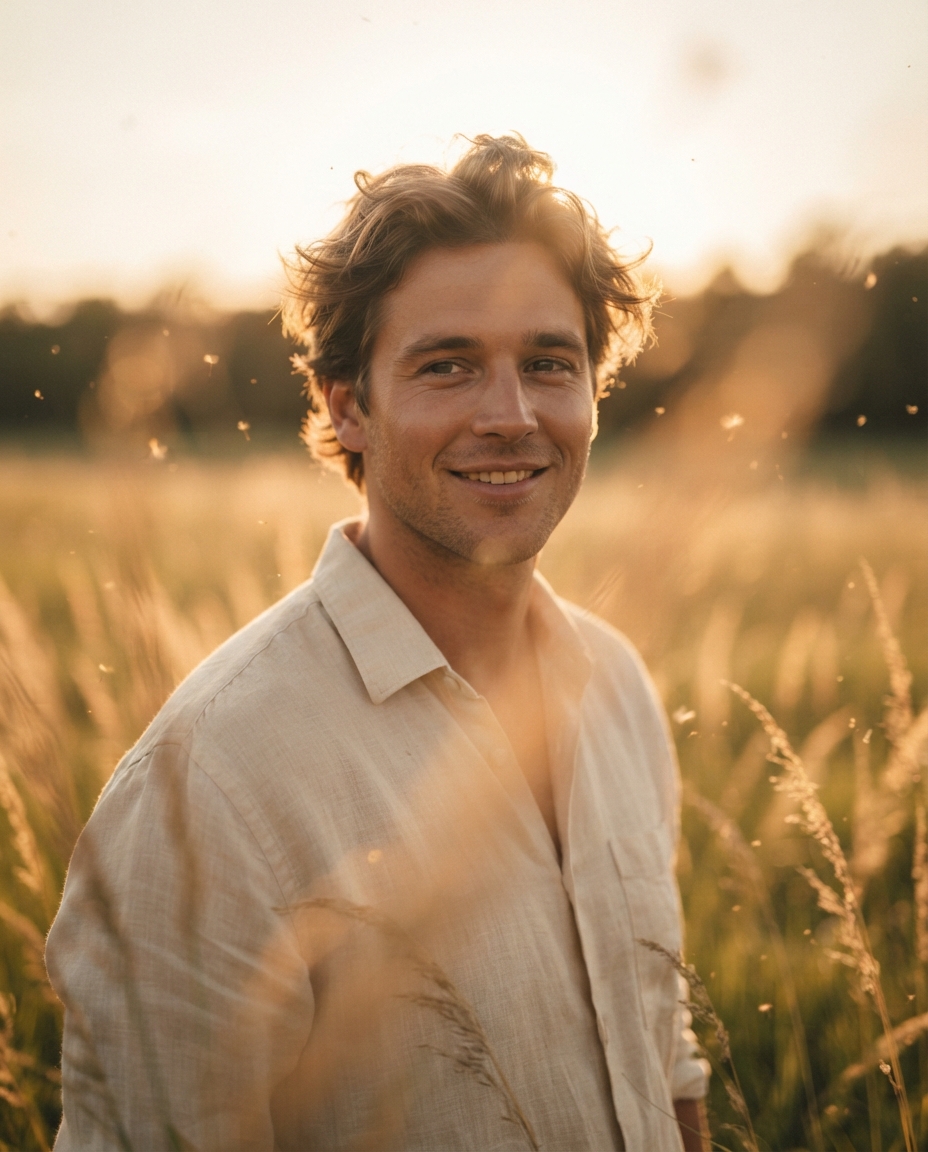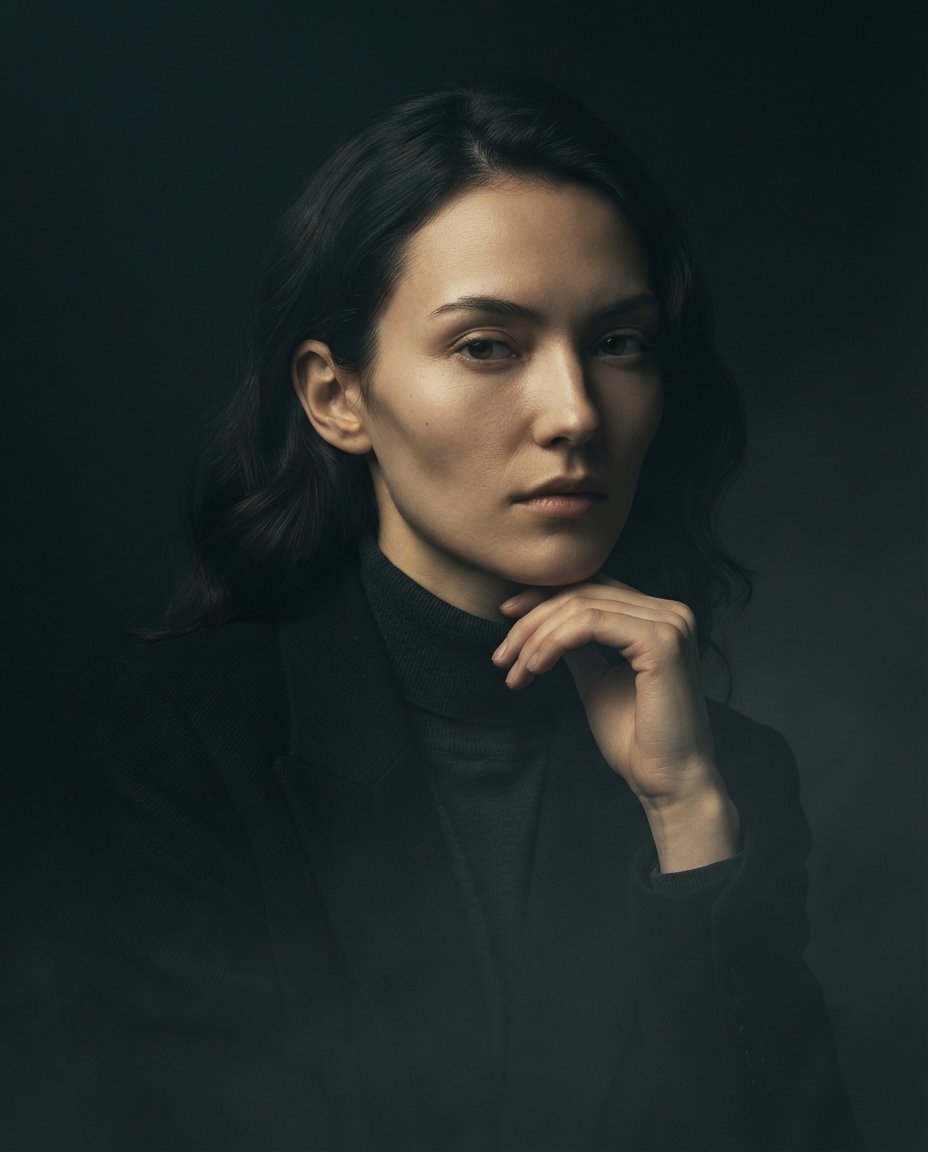
Desert Bloom: Boho Wanderer
Sand, sun, and a little bit of wild spirit. This desert wanderer look is the boho moodboard you didn't know you needed. 🌵☀️
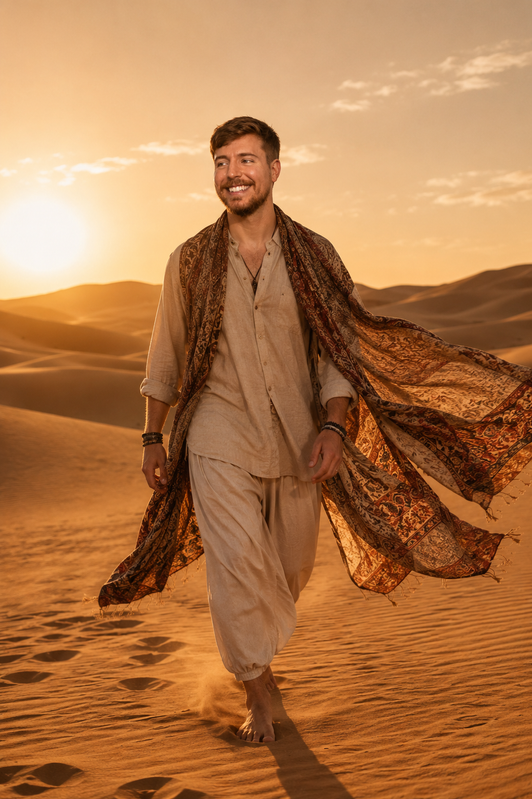
Full-body shot of a person walking across golden desert dunes at late afternoon, wearing flowing bohemian fabric that catches the wind. Warm directional sunlight casts long shadows, fine sand particles visible in the air, subtle lens flare. Shot on 50mm lens, f/2.8, warm earthy color grade with soft highlights, ultra-realistic fabric and skin texture. Crucial constraint: Preserve the exact facial features, structure, and likeness of the reference subject without any modification.
Try this prompt in
How to Use This Prompt
Desert Bloom: Boho Wanderer is a ready-to-use AI image prompt designed for creative ai art who want consistent, high-quality results without spending hours on trial and error. Sand, sun, and a little bit of wild spirit. This desert wanderer look is the boho moodboard you didn't know you needed. 🌵☀️
Use this prompt whenever you need polished visuals for creative ai art workflows — typical moments include client work, content production, classroom prep, and rapid iteration on ideas. Copy the full prompt, paste it into your preferred AI tool, and replace any bracketed placeholders with your own specifics (topic, brand, subject, or constraints).
For best results, give the model a clear context line before pasting, keep your replacements concrete (numbers, names, examples), and regenerate 2–3 variations to pick the strongest composition. Pair it with the customization tips below to adapt it to your exact use case.
Example Output
Expect a sharp, well-composed image with clean subject framing, balanced lighting, and DesertAesthetic, BohoVibes details suitable for direct use in social posts, thumbnails, or product mockups.
Prompt Details
Customization Tips
- Swap the subject for your own — replace the main noun with your product, character, or scene.
- Change the lighting (golden hour, studio softbox, neon night) to shift the mood.
- Add a specific camera or lens reference (e.g. "shot on 35mm, f/1.8") for a photo feel.
- Lock the aspect ratio to match your platform (9:16 for Reels, 16:9 for YouTube).
- Add or remove a style modifier like "cinematic", "minimalist", or "editorial".
- Specify a color palette in hex or named colors to match your brand.
- Append "no text, no watermark" to keep outputs clean.
- Use negative prompts (e.g. "no blur, no extra fingers") if your model supports them.
Frequently Asked Questions
What is the "Desert Bloom: Boho Wanderer" prompt used for?
Sand, sun, and a little bit of wild spirit. This desert wanderer look is the boho moodboard you didn't know you needed. 🌵☀️
Which AI model works best for DesertAesthetic?
Nano Banana Pro (Gemini 3 Image) handles this prompt best today; Midjourney v7 is the strongest alternative if you already pay for it, and Flux.2 Pro is a solid free-tier fallback.
Is the Desert Bloom: Boho Wanderer prompt free?
It costs nothing here. Copy it, adapt it, ship it — personal or commercial use is fine.
Can I sell or publish images made with this DesertAesthetic prompt?
Usually yes, but rights come from the image tool, not from us. Paid tiers of Nano Banana Pro (Gemini 3 Image) and Midjourney v7 currently grant commercial use — check their live terms before a paid client delivery.
Why does my result look different from the example?
Outputs drift by design. If a run misses, don't rewrite everything — add one clarifying sentence about DesertAesthetic and regenerate.
Reviews(0)
Related prompts