Damaged Antique Photo Reconstruction AI Prompts for Image Upscaling by Prompt Craft
Repair torn, ripped, or damaged old photographs into a seamless full restoration. Achieve archival-quality results with Prompt Craft.
Subject : Use reference image as subject from uploaded reference image only, keeping the original identity intact.
Input Condition & Damage Assessment
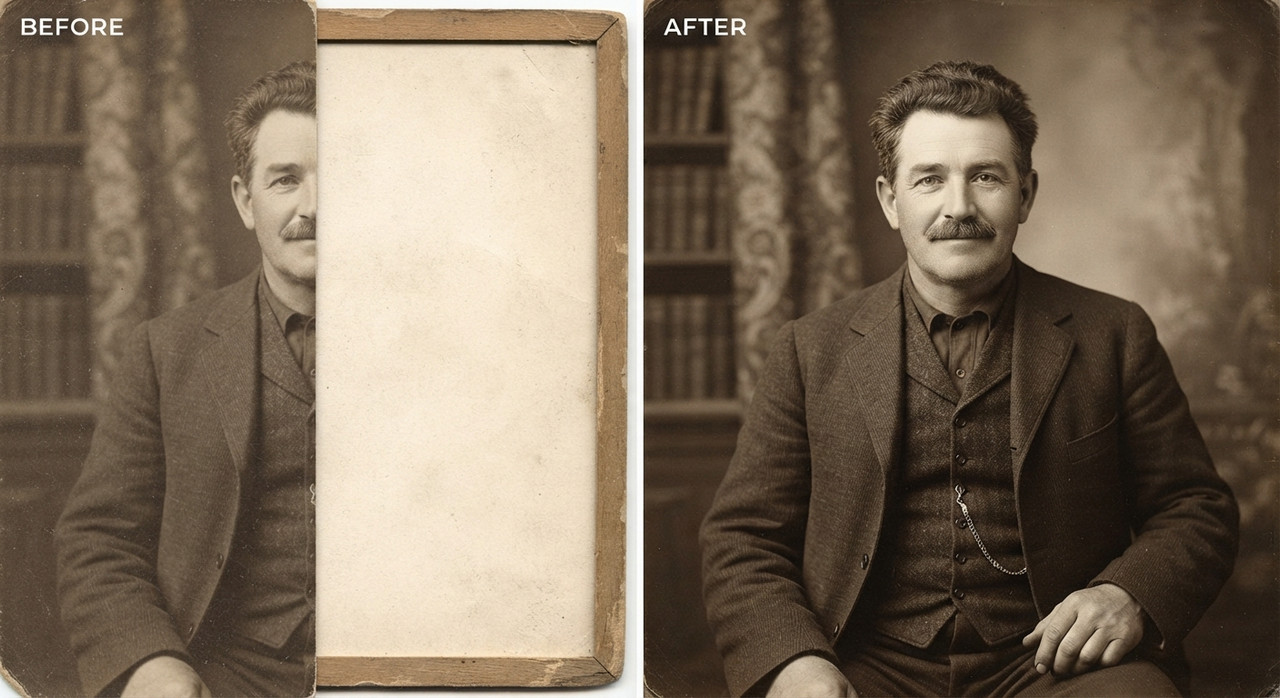
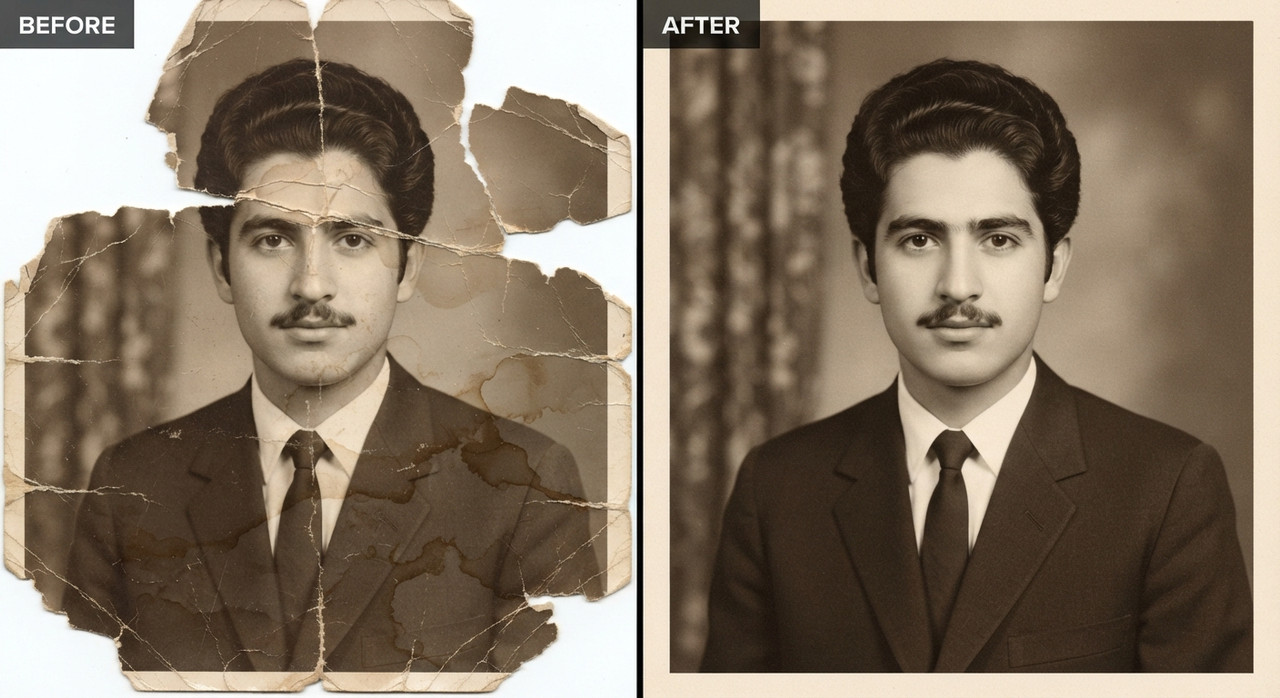
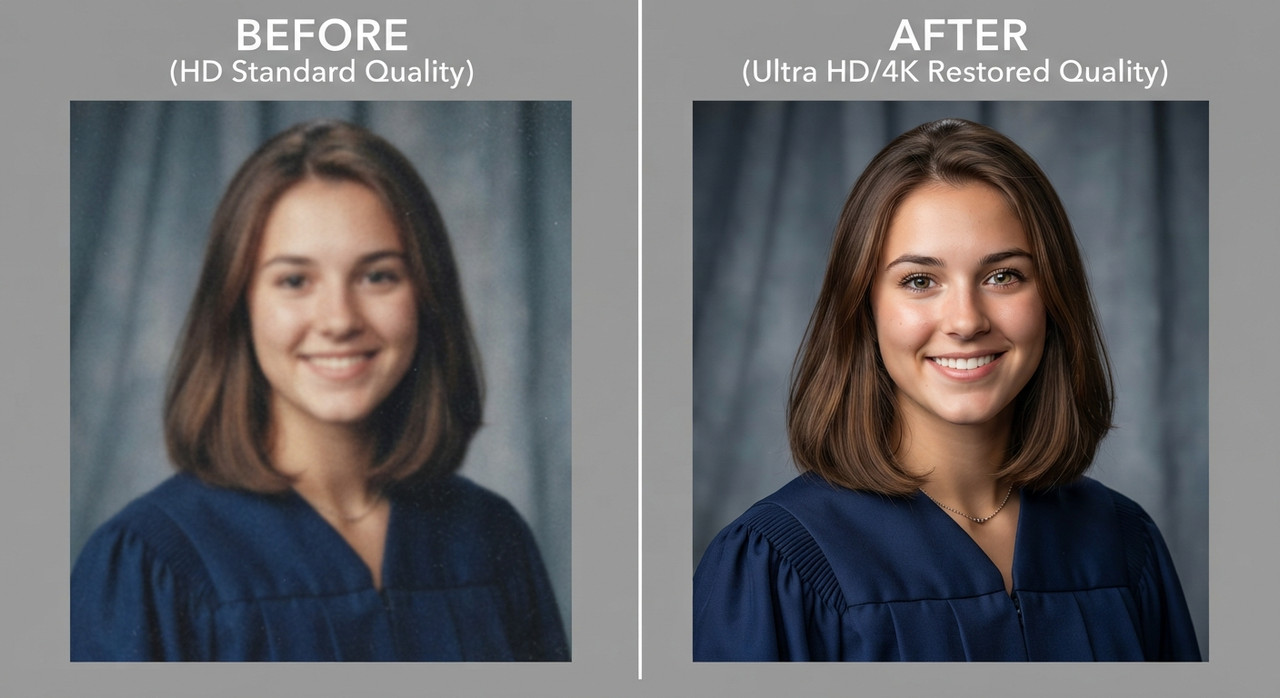
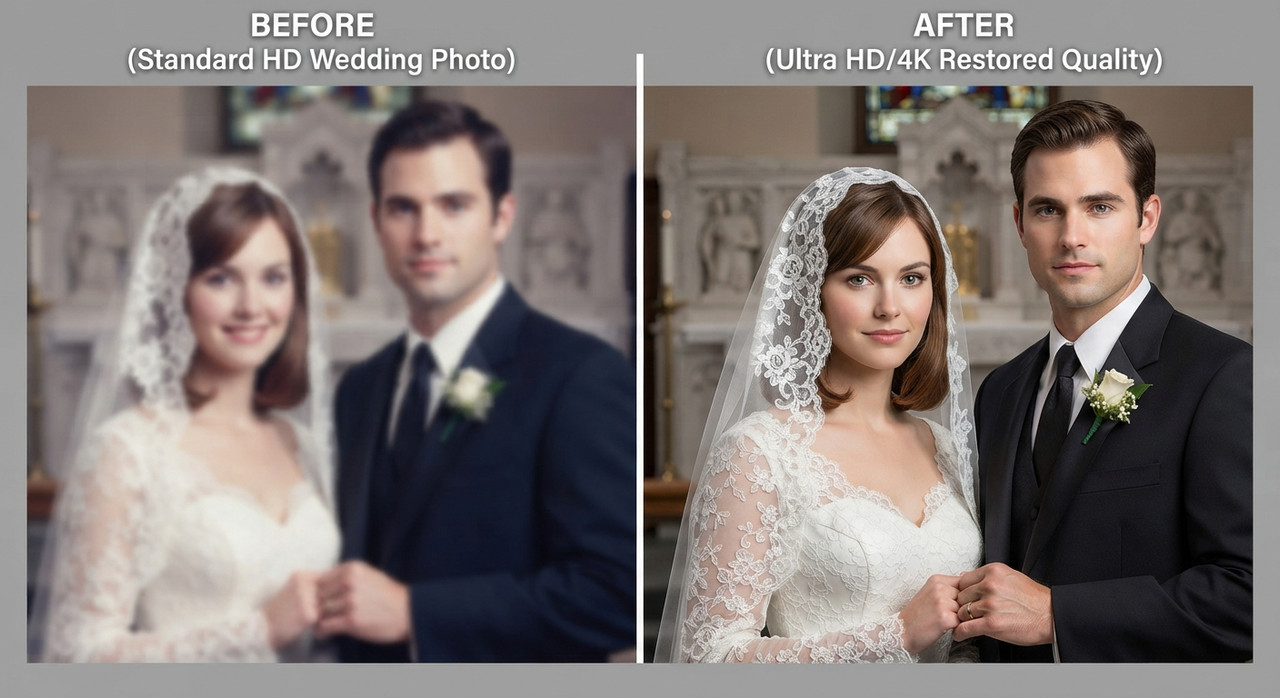
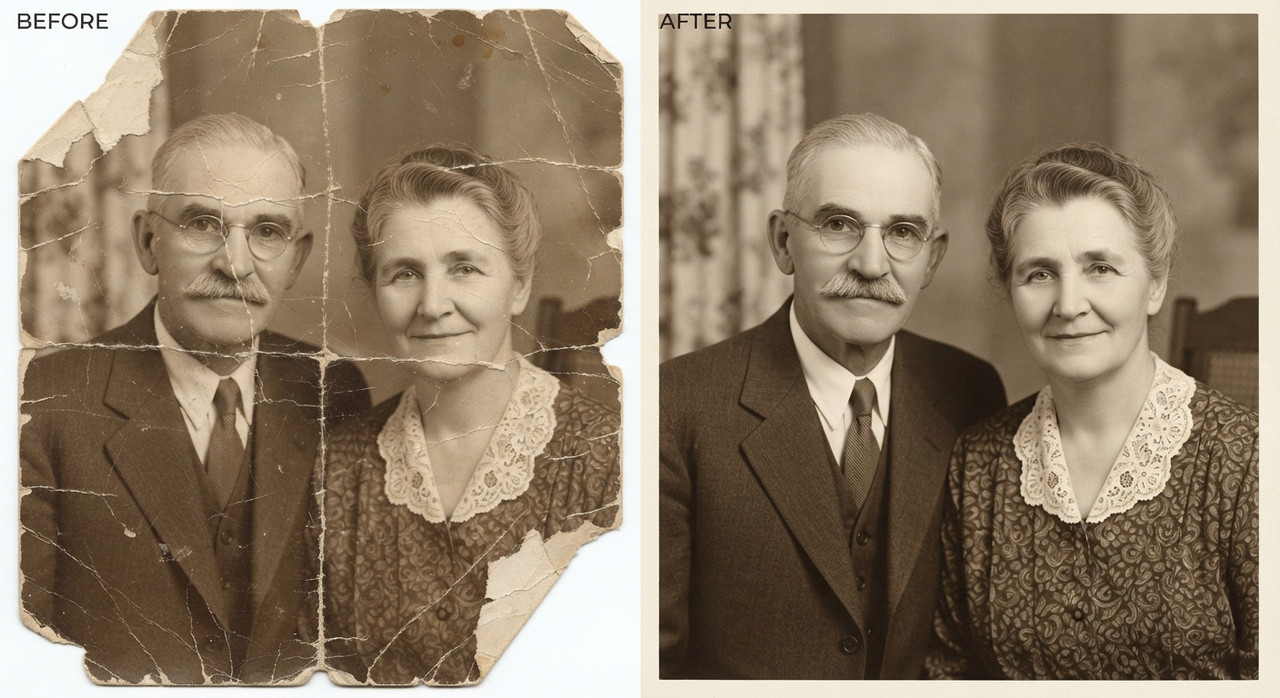
The source photograph is a grandparents' anniversary photo suffering from torn edges, missing corners, deep creases, scratches, water stains, or fragments that appear physically ripped apart across the paper surface. Several sections of the image content, including parts of the face, clothing, or background, may be completely absent where the tear has removed the emulsion layer. The goal is a full, seamless digital repair that removes every trace of physical damage while accurately reconstructing lost visual information.
Technical Restoration Process
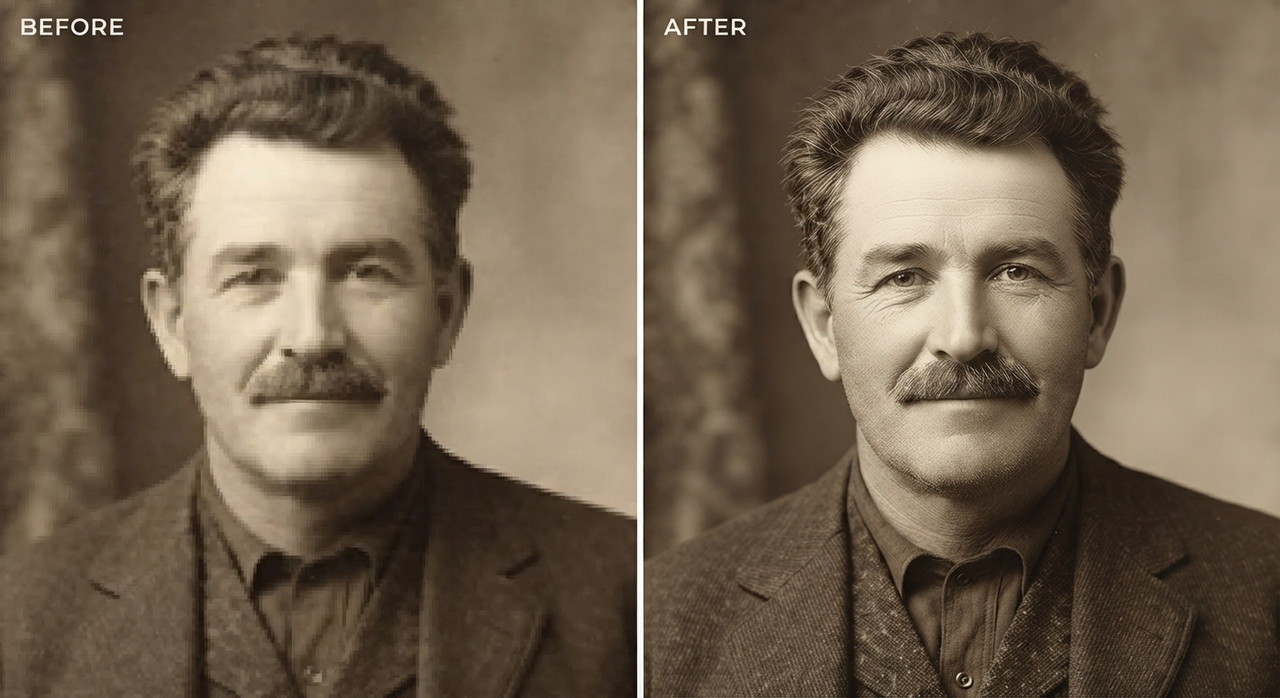
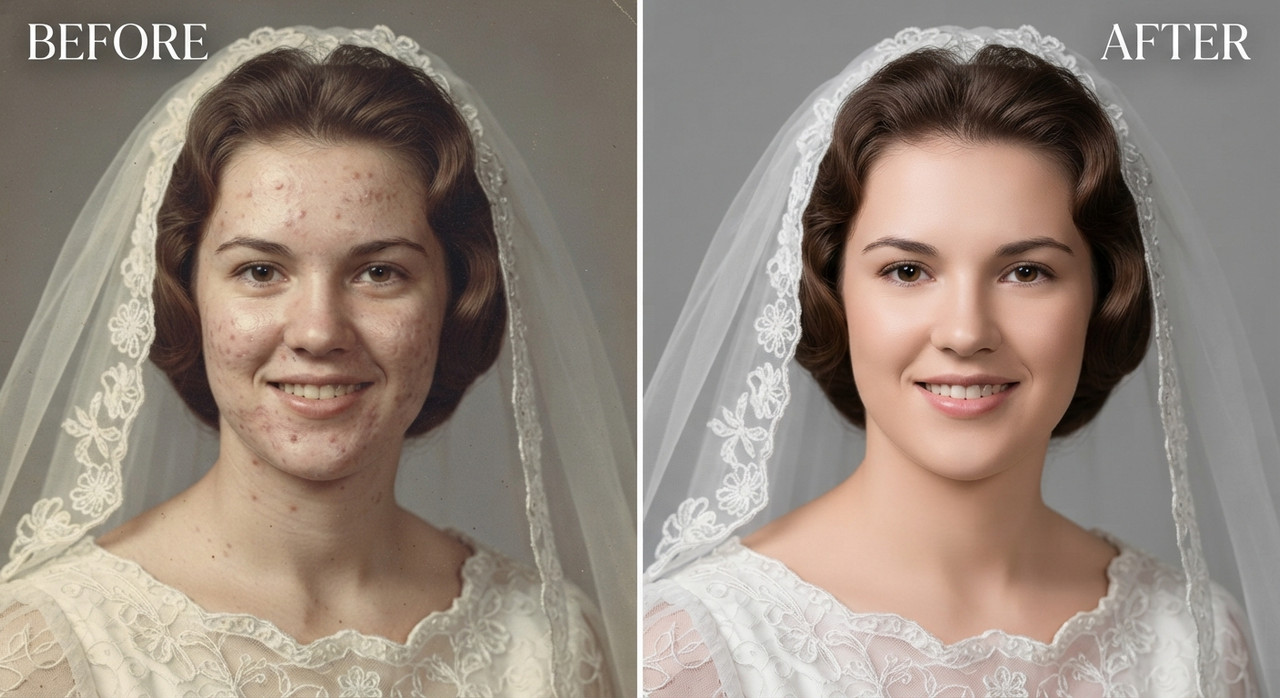
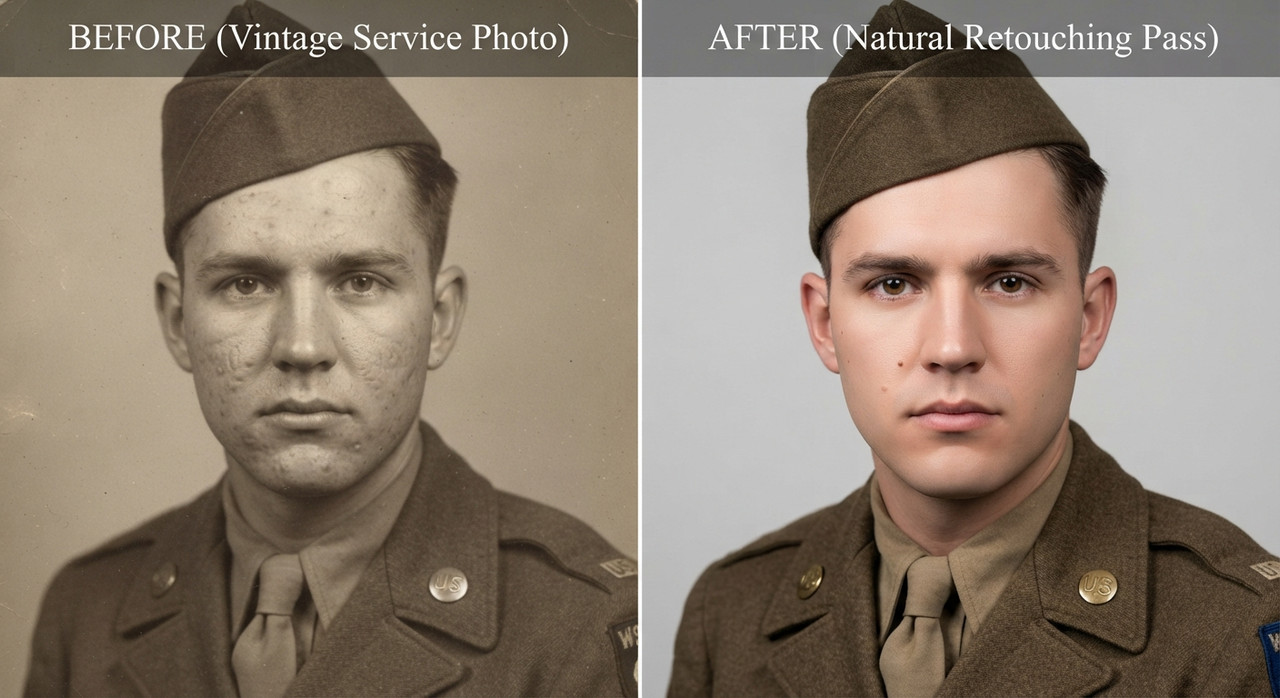
Map every torn line, crease, and missing fragment across the photograph, then use context-aware AI reconstruction to rebuild the destroyed regions using the surrounding pixels, symmetry cues, and period-accurate texture as reference. Reconnect separated fragments into one continuous image, aligning grain, contrast, and tonal values so the repaired areas are indistinguishable from the original undamaged sections. Remove dust specks, fold lines, discoloration, and paper fiber texture while retaining authentic film grain so the photo does not look artificially smoothed or plastic.
Output Quality & Resolution
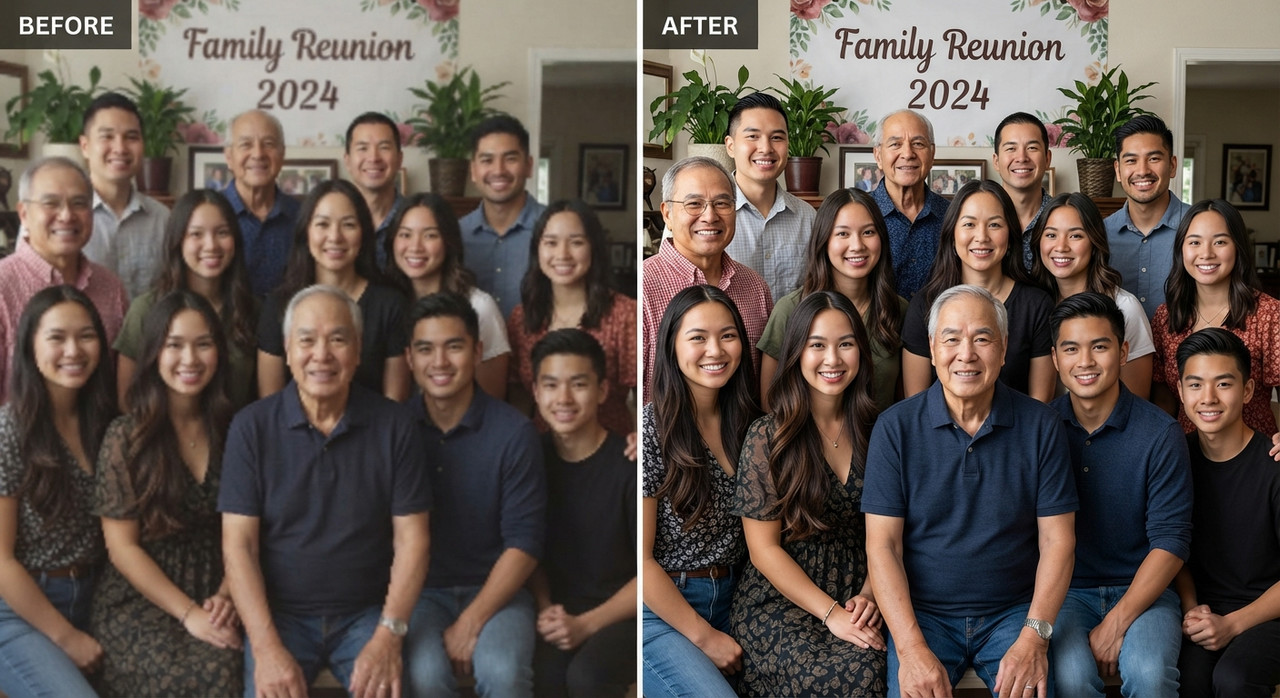
Produce a clean, high-resolution restoration with even lighting, consistent sharpness, and natural tonal balance across the full frame. Ensure edges that were previously torn now appear as a continuous, undamaged surface with no visible outline, discoloration halo, or texture mismatch. The final image should be print-ready and suitable for archival preservation, framing, or digital family history collections.
Special Instructions
Preserve the subject's identity with absolute fidelity to the reference image, maintaining 100% facial and anatomical likeness. Keep all facial features, expressions, age, ethnicity, skin tone, hair, and unique details such as moles, scars, freckles, and natural asymmetry exactly unchanged. Retain the original body proportions, posture, and biometric characteristics without unwanted modifications. Do not replace the face with a generic AI appearance or alter the person's true identity in any way. All undamaged regions of the original photo must remain completely untouched in terms of facial structure and pose; only the torn, missing, or damaged sections should be reconstructed. The finished result should read as a single, intact, historically faithful photograph, with no residual scratches, tears, or discoloration, delivering a museum-quality restoration appropriate for long-term digital and physical preservation.
Try this prompt in
How to Use This Prompt
Damaged Antique Photo Reconstruction AI Prompts for Image Upscaling by Prompt Craft is a ready-to-use AI image prompt designed for image upscaling who want consistent, high-quality results without spending hours on trial and error. Repair torn, ripped, or damaged old photographs into a seamless full restoration. Achieve archival-quality results with Prompt Craft.
Use this prompt whenever you need polished visuals for image upscaling workflows — typical moments include client work, content production, classroom prep, and rapid iteration on ideas. Copy the full prompt, paste it into your preferred AI tool, and replace any bracketed placeholders with your own specifics (topic, brand, subject, or constraints).
For best results, give the model a clear context line before pasting, keep your replacements concrete (numbers, names, examples), and regenerate 2–3 variations to pick the strongest composition. Pair it with the customization tips below to adapt it to your exact use case.
Example Output
Expect a sharp, well-composed image with clean subject framing, balanced lighting, and torn photo restoration, damaged photo repair details suitable for direct use in social posts, thumbnails, or product mockups.
Prompt Details
Customization Tips
- Swap the subject for your own — replace the main noun with your product, character, or scene.
- Change the lighting (golden hour, studio softbox, neon night) to shift the mood.
- Add a specific camera or lens reference (e.g. "shot on 35mm, f/1.8") for a photo feel.
- Lock the aspect ratio to match your platform (9:16 for Reels, 16:9 for YouTube).
- Add or remove a style modifier like "cinematic", "minimalist", or "editorial".
- Specify a color palette in hex or named colors to match your brand.
- Append "no text, no watermark" to keep outputs clean.
- Use negative prompts (e.g. "no blur, no extra fingers") if your model supports them.
Frequently Asked Questions
What is the "Damaged Antique Photo Reconstruction AI Prompts for Image Upscaling by Prompt Craft" prompt used for?
Repair torn, ripped, or damaged old photographs into a seamless full restoration. Achieve archival-quality results with Prompt Craft.
Which AI model works best for torn photo restoration?
Nano Banana Pro (Gemini 3 Image) handles this prompt best today; Midjourney v7 is the strongest alternative if you already pay for it, and Flux.2 Pro is a solid free-tier fallback.
Is the Damaged Antique Photo Reconstruction AI Prompts for Image Upscaling by Prompt Craft prompt free?
Completely free, no signup wall. You only pay whatever your AI tool charges for generation.
Can I sell or publish images made with this torn photo restoration prompt?
Commercial use depends on your generator's licence. Nano Banana Pro (Gemini 3 Image) and Midjourney v7 allow it on paid plans; free tiers are often personal-use only.
Why does my result look different from the example?
Outputs drift by design. If a run misses, don't rewrite everything — add one clarifying sentence about torn photo restoration and regenerate.
Reviews(0)
Related prompts