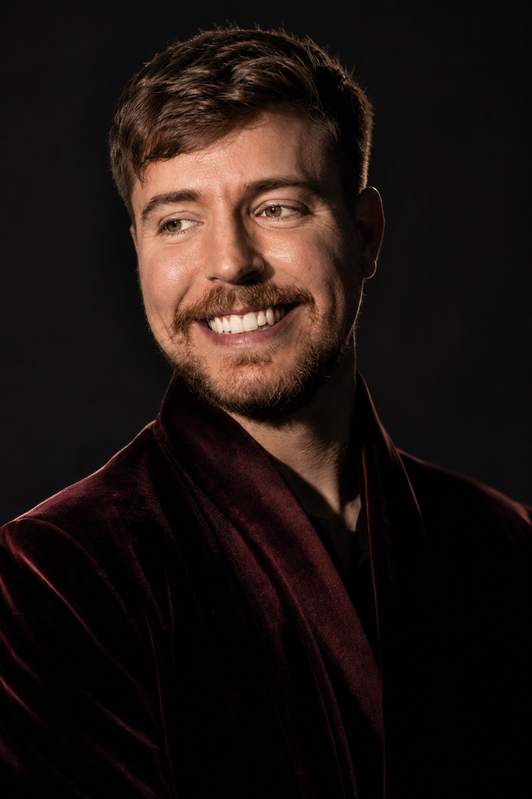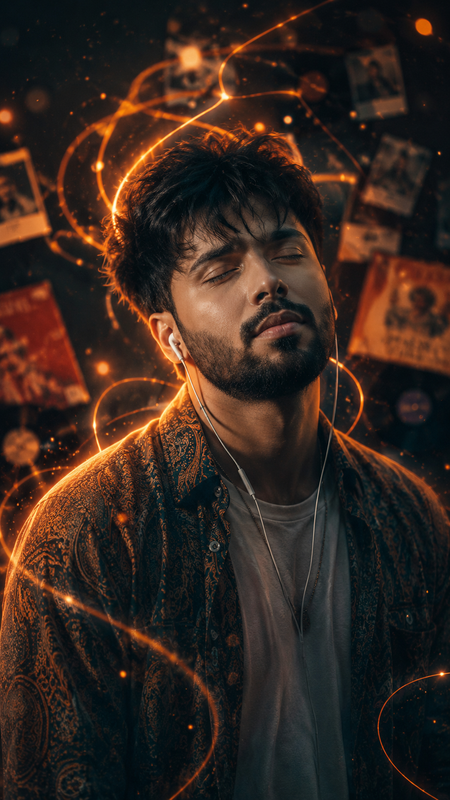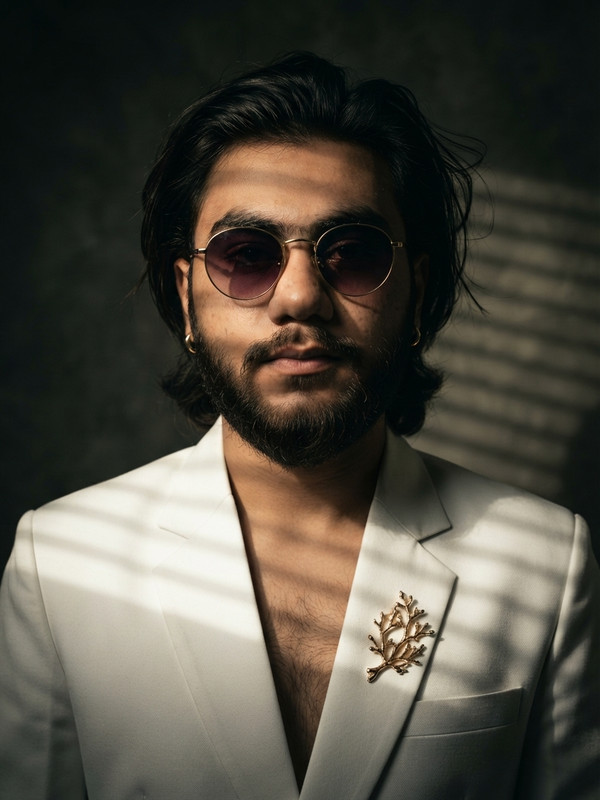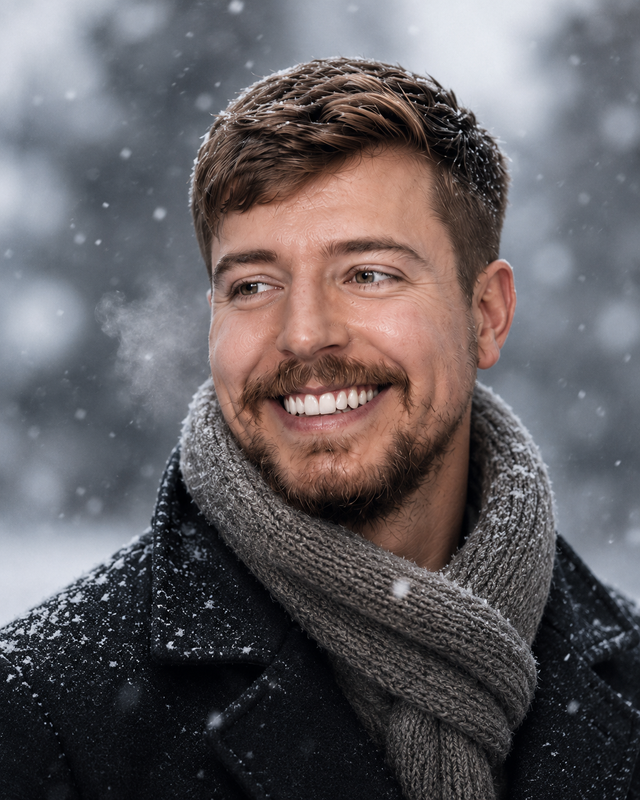
Cinematic Double Exposure Portrait Prompt (Free AI Image Prompt)
Transform any portrait into a stunning cinematic double exposure artwork with glowing light rays, monochrome tones, and dramatic atmosphere using this free AI image prompt.
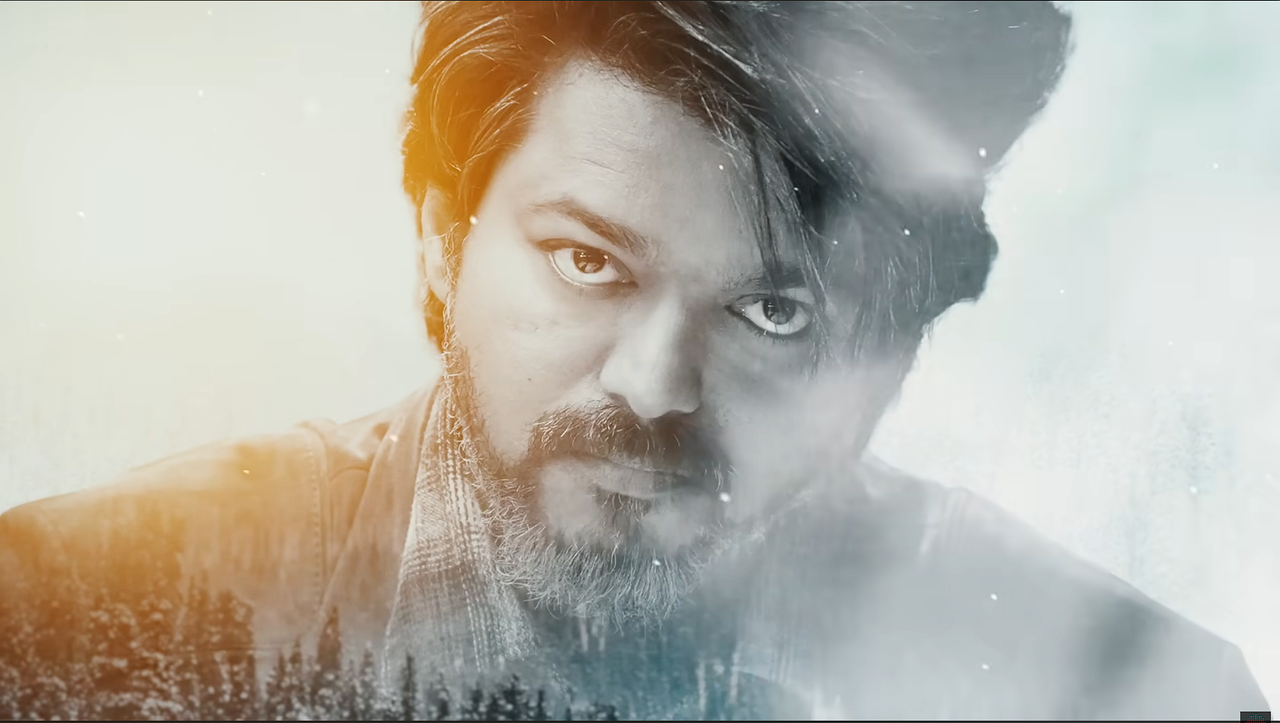
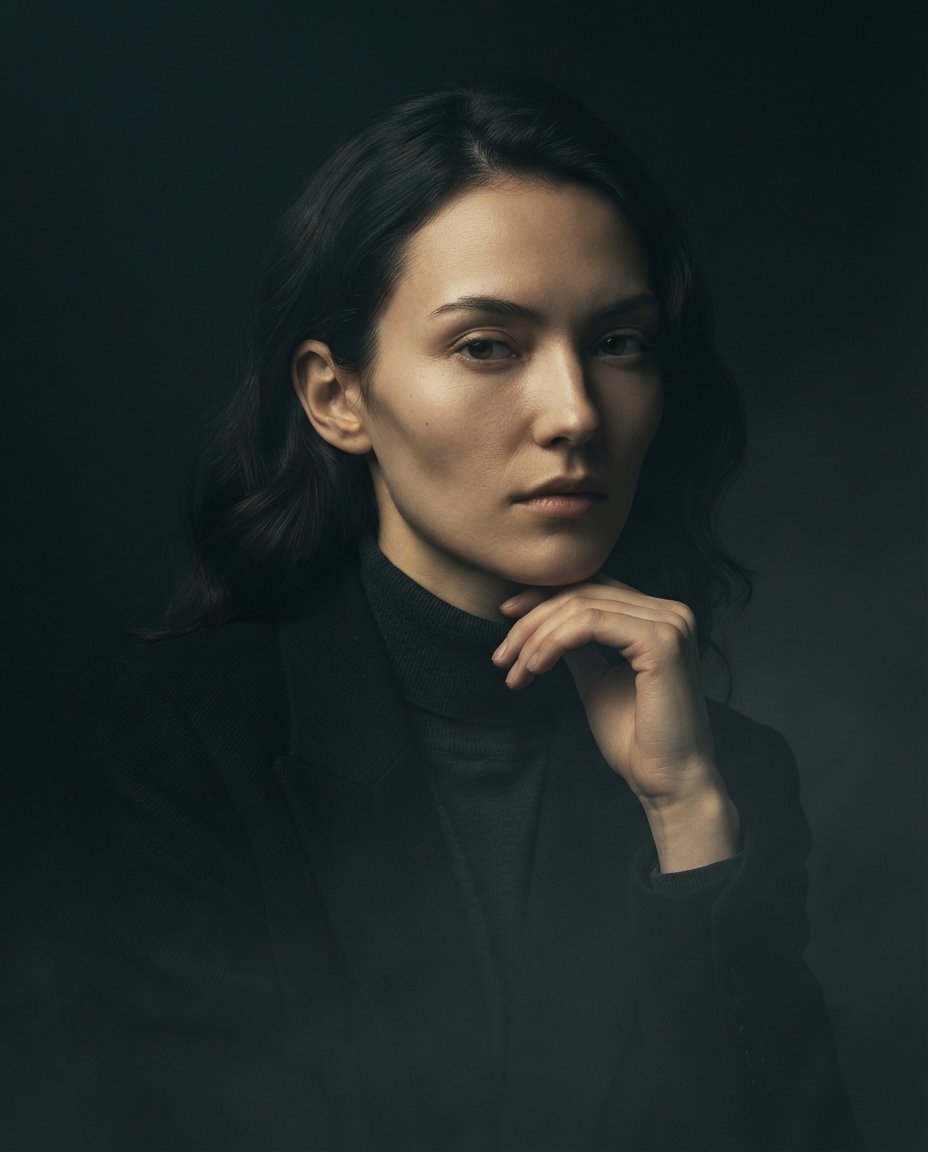
Transform the uploaded portrait into a premium cinematic double exposure artwork while preserving the person's facial identity, expression, hairstyle, and natural proportions.

Create a dramatic black-and-white portrait with soft grayscale tones enhanced by warm golden cinematic light.

Blend a dense evergreen forest silhouette into the lower portion of the portrait using a seamless double exposure technique.

Add subtle floating particles, soft atmospheric fog, volumetric light rays, and glowing cinematic haze surrounding the subject.

Illuminate one side of the face with warm golden sunlight while keeping the opposite side in cool shadows to create strong depth and contrast.

Use realistic skin texture, ultra-sharp eyes, highly detailed hair strands, and premium editorial-quality lighting.

The composition should feel mysterious, emotional, elegant, and worthy of a Hollywood movie poster.

Maintain a clean background with soft light leaks and cinematic depth.

Color Palette:
• Black & White
• Soft Gray
• Warm Gold
• Slight Blue Mist

Style:
Ultra-realistic
Double Exposure
Fine Art Portrait
Cinematic
Photorealistic
Editorial Photography
Movie Poster
High Dynamic Range
Volumetric Lighting
8K
Extremely Detailed
Professional Color Grading

Aspect Ratio:
Portrait (16:9) horizontal

Negative Prompt:
low quality, blurry face, distorted eyes, extra limbs, duplicate face, watermark, logo, text, oversaturated colors, cartoon, anime, low detail, noisy image, unrealistic lighting, bad anatomy, cropped face
Try this prompt in
How to Use This Prompt
Cinematic Double Exposure Portrait Prompt (Free AI Image Prompt) is a ready-to-use AI image prompt designed for creative ai art who want consistent, high-quality results without spending hours on trial and error. Transform any portrait into a stunning cinematic double exposure artwork with glowing light rays, monochrome tones, and dramatic atmosphere using this free AI image prompt.
Use this prompt whenever you need polished visuals for creative ai art workflows — typical moments include client work, content production, classroom prep, and rapid iteration on ideas. Copy the full prompt, paste it into your preferred AI tool, and replace any bracketed placeholders with your own specifics (topic, brand, subject, or constraints).
For best results, give the model a clear context line before pasting, keep your replacements concrete (numbers, names, examples), and regenerate 2–3 variations to pick the strongest composition. Pair it with the customization tips below to adapt it to your exact use case.
Example Output
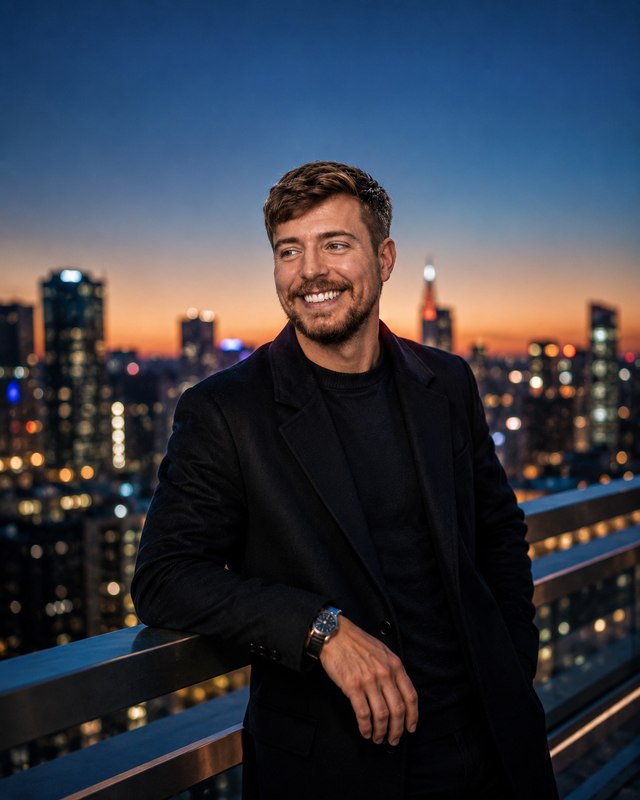
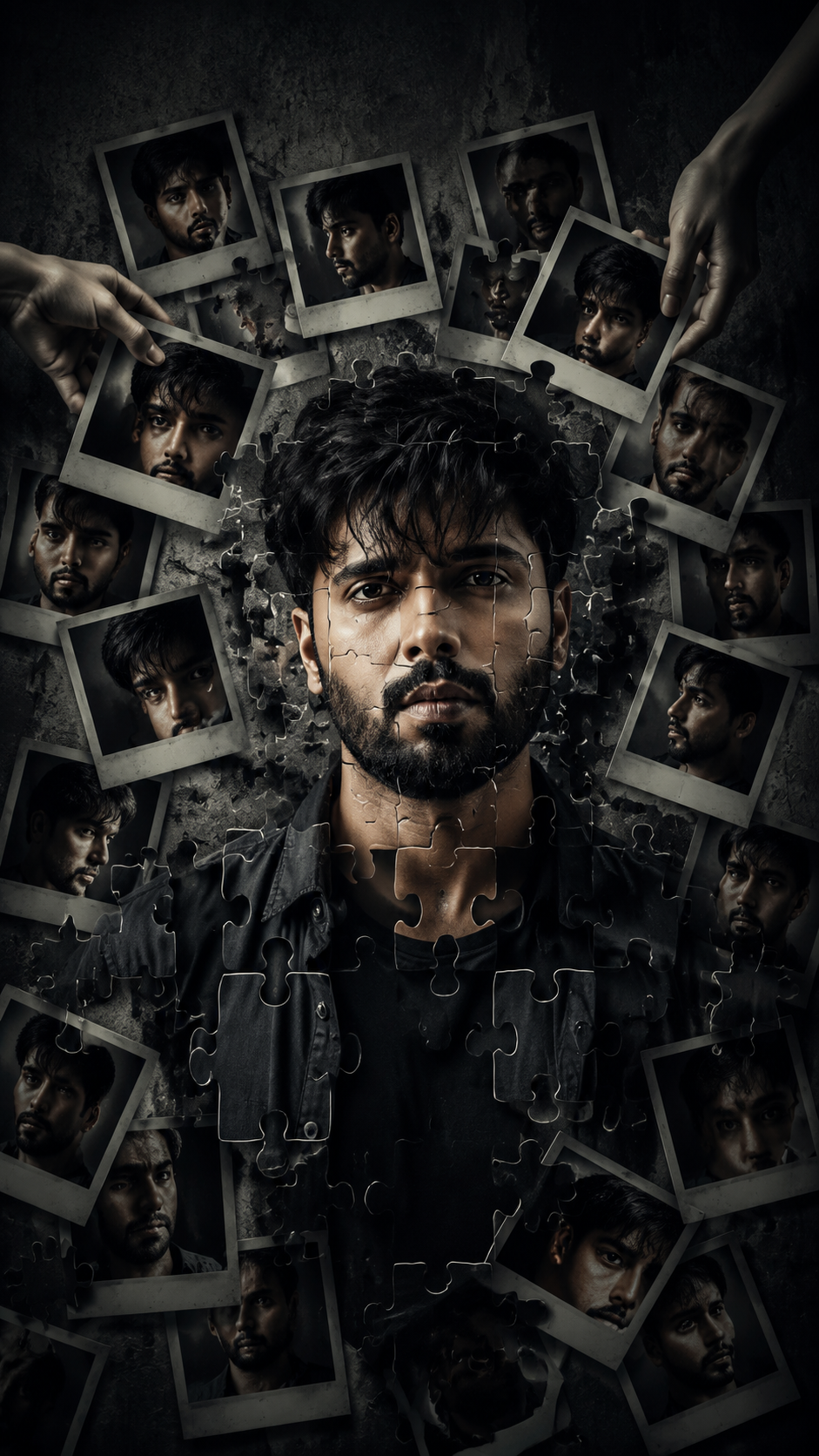
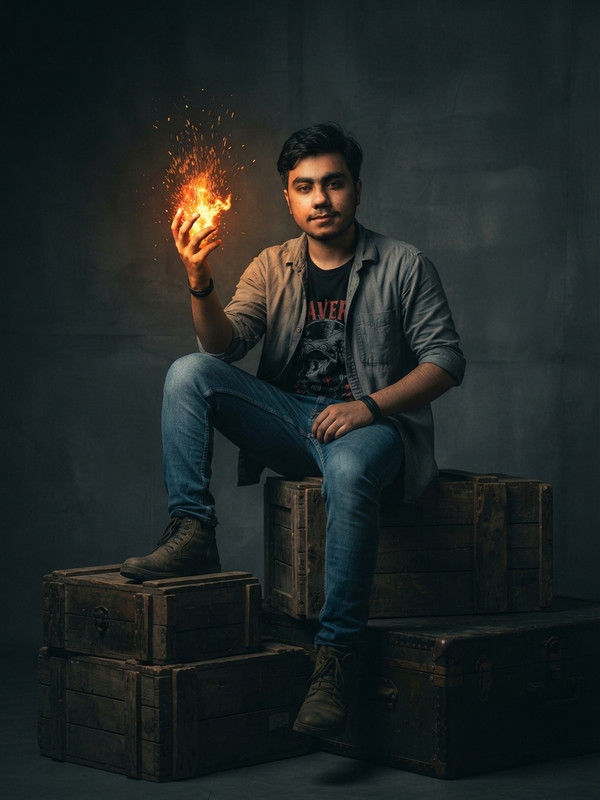
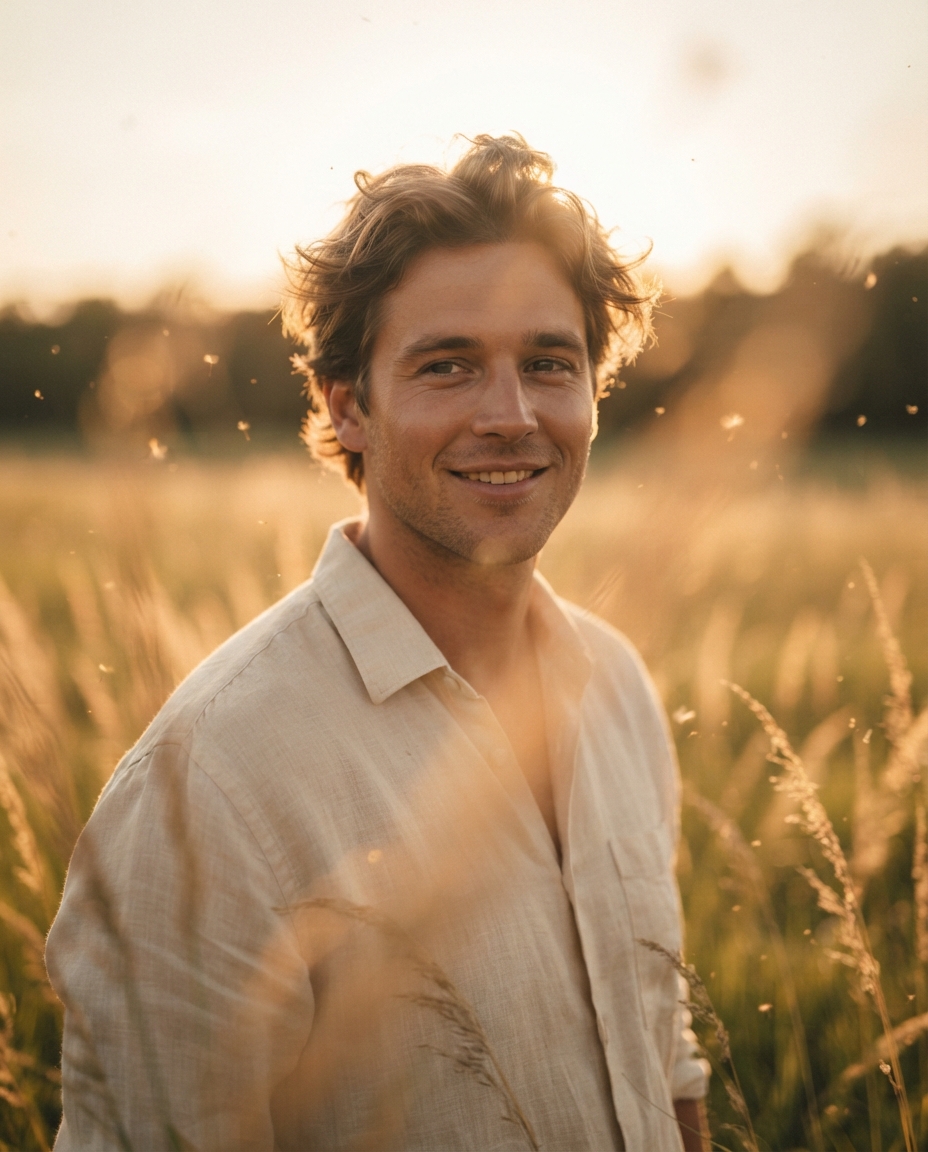
Expect a sharp, well-composed image with clean subject framing, balanced lighting, and Cinematic Portrait, Double Exposure details suitable for direct use in social posts, thumbnails, or product mockups.
The generated artwork includes:

Cinematic lighting
Double exposure composition
Monochrome color grading
Warm golden highlights
Soft volumetric light rays
Forest silhouette overlay
Atmospheric mist
High-detail facial features
Professional movie poster aesthetic
Prompt Details
Customization Tips
- Swap the subject for your own — replace the main noun with your product, character, or scene.
- Change the lighting (golden hour, studio softbox, neon night) to shift the mood.
- Add a specific camera or lens reference (e.g. "shot on 35mm, f/1.8") for a photo feel.
- Lock the aspect ratio to match your platform (9:16 for Reels, 16:9 for YouTube).
- Add or remove a style modifier like "cinematic", "minimalist", or "editorial".
- Specify a color palette in hex or named colors to match your brand.
- Append "no text, no watermark" to keep outputs clean.
- Use negative prompts (e.g. "no blur, no extra fingers") if your model supports them.
Frequently Asked Questions
What is the "Cinematic Double Exposure Portrait Prompt (Free AI Image Prompt)" prompt used for?
Transform any portrait into a stunning cinematic double exposure artwork with glowing light rays, monochrome tones, and dramatic atmosphere using this free AI image prompt.
Which AI model works best for Cinematic Portrait?
In 2026 testing, Nano Banana Pro (Gemini 3 Image) produces the cleanest results, with Midjourney v7 and Flux.2 Pro close behind. The wording is model-agnostic, so older versions still work.
Is the Cinematic Double Exposure Portrait Prompt (Free AI Image Prompt) prompt free?
Completely free, no signup wall. You only pay whatever your AI tool charges for generation.
Can I sell or publish images made with this Cinematic Portrait prompt?
Usually yes, but rights come from the image tool, not from us. Paid tiers of Nano Banana Pro (Gemini 3 Image) and Midjourney v7 currently grant commercial use — check their live terms before a paid client delivery.
Why does my result look different from the example?
Outputs drift by design. If a run misses, don't rewrite everything — add one clarifying sentence about Cinematic Portrait and regenerate.
Reviews(0)
Related prompts