'%20stroke='url(%23pc-grad)'%20stroke-width='3'%20stroke-linejoin='round'%20stroke-linecap='round'%20fill='none'%3e%3cpath%20d='M14%2012%20H46%20a8%208%200%200%201%208%208%20v14%20a8%208%200%200%201%20-8%208%20H36%20l-8%208%20v-8%20H14%20a8%208%200%200%201%20-8%20-8%20V20%20a8%208%200%200%201%208%20-8%20z'/%3e%3cpath%20d='M18%2022%20H42'%20/%3e%3cpath%20d='M18%2028%20H38'%20/%3e%3cpath%20d='M18%2034%20H34'%20/%3e%3c/g%3e%3cg%20fill='url(%23pc-grad)'%20filter='url(%23pc-glow)'%3e%3cpath%20d='M40%2038%20l10%2010%20-3%206%20-3%20-3%20-6%203%20z'%20opacity='0.95'/%3e%3ccircle%20cx='44'%20cy='49'%20r='1.5'%20fill='%230b0b14'/%3e%3c/g%3e%3c/svg%3e)
The Scholar's Study
A dramatic overhead shot of a man sitting in a vintage leather armchair on a rustic wooden floor, illuminated by a single warm lamp.
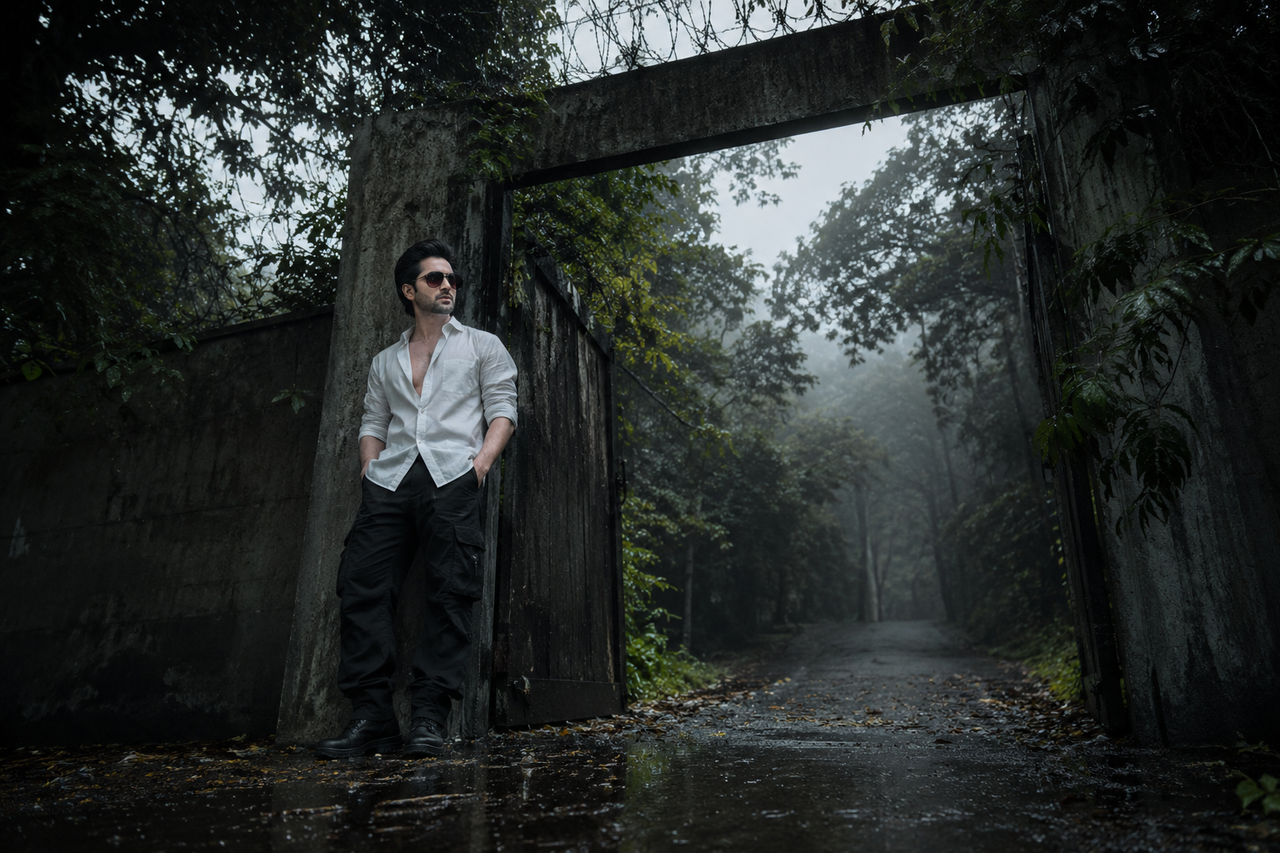
Use the uploaded reference image as the ONLY source of identity. Preserve the person's identity with maximum fidelity. Maintain exactly the same facial structure, facial proportions, hairstyle, skin tone, body proportions, expression, and every unique identifying characteristic. The uploaded reference image permanently defines the person's appearance. Do not regenerate, reinterpret, beautify, stylize, modify, or invent any facial or body feature. Only recreate the scene described below. A high-angle, dramatic top-down view looking down at a man seated in an elegant, ornate dark leather vintage armchair. He is dressed entirely in a black long-sleeved shirt and dark trousers, looking up slightly toward the camera with a serious, focused expression. He sits with his legs casually crossed. The room has dark, rustic wooden floorboards with a visible grain texture. In the upper right corner of the frame, a classic floor lamp with a warm fabric shade casts a soft, localized orange glow across the scene, creating long shadows and high-contrast lighting that streaks across the floor.

NEGATIVE PROMPT: identity drift, face alteration, hair alteration, skin tone changes, body proportion changes, facial asymmetry, deformed anatomy, extra fingers, missing fingers, crossed eyes, incorrect gaze, bad hands, bad teeth, blurry face, plastic skin, low angle, modern furniture, bright daylight, colorful clothing, smiling, laughing.
Try this prompt in
How to Use This Prompt
The Scholar's Study is a ready-to-use AI text prompt designed for new-creative-images who want consistent, high-quality results without spending hours on trial and error. A dramatic overhead shot of a man sitting in a vintage leather armchair on a rustic wooden floor, illuminated by a single warm lamp.
Use this prompt whenever you need reliable written output for new-creative-images workflows — typical moments include client work, content production, classroom prep, and rapid iteration on ideas. Copy the full prompt, paste it into your preferred AI tool, and replace any bracketed placeholders with your own specifics (topic, brand, subject, or constraints).
For best results, give the model a clear context line before pasting, keep your replacements concrete (numbers, names, examples), and ask a short follow-up to refine tone or length. Pair it with the customization tips below to adapt it to your exact use case.
Example Output
Expect a structured, ready-to-use response covering ChatGPT best image prompts, dramatic lighting AI, interior design photography prompts in a clear format you can paste straight into your workflow with only light edits.
Prompt Details
Customization Tips
- Replace placeholders with your actual ChatGPT best image prompts details for sharper, on-brand output.
- Set a target length ("respond in ~150 words" or "in 5 bullet points").
- Specify the audience reading level (beginner, expert, executive).
- Ask for the output in a specific format — table, JSON, Markdown, email.
- Add a tone instruction: friendly, formal, witty, persuasive.
- Chain a follow-up: "now rewrite for LinkedIn" or "make it 30% shorter".
- Constrain with examples — paste 1–2 samples of the style you want to match.
- Add a "do not" list to block common mistakes (no emojis, no fluff, no disclaimers).
Frequently Asked Questions
What is the "The Scholar's Study" prompt used for?
A dramatic overhead shot of a man sitting in a vintage leather armchair on a rustic wooden floor, illuminated by a single warm lamp.
Which AI models work best with this prompt?
It works across all major models, but you'll get the strongest results from GPT-4o, Claude 3.5 Sonnet, Gemini 1.5 Pro.
Is this prompt free to use?
Yes. Every prompt on PromptCraft is free, requires no signup, and can be copied with one click for personal or commercial projects.
Can I edit the prompt?
Absolutely. Treat it as a starting template — swap in your topic, audience, and tone. See the customization tips above for proven tweaks.
Why is my output different from the example?
AI models are non-deterministic — the same prompt produces variations each run. Regenerate 2–3 times and pick the strongest result, or refine with a short follow-up instruction.